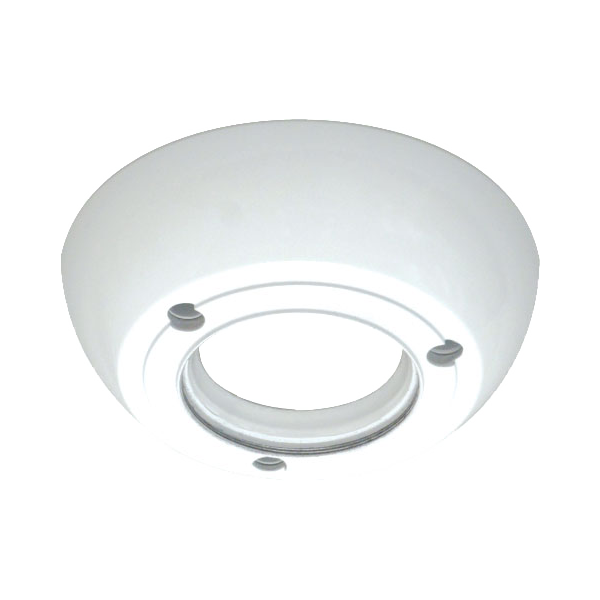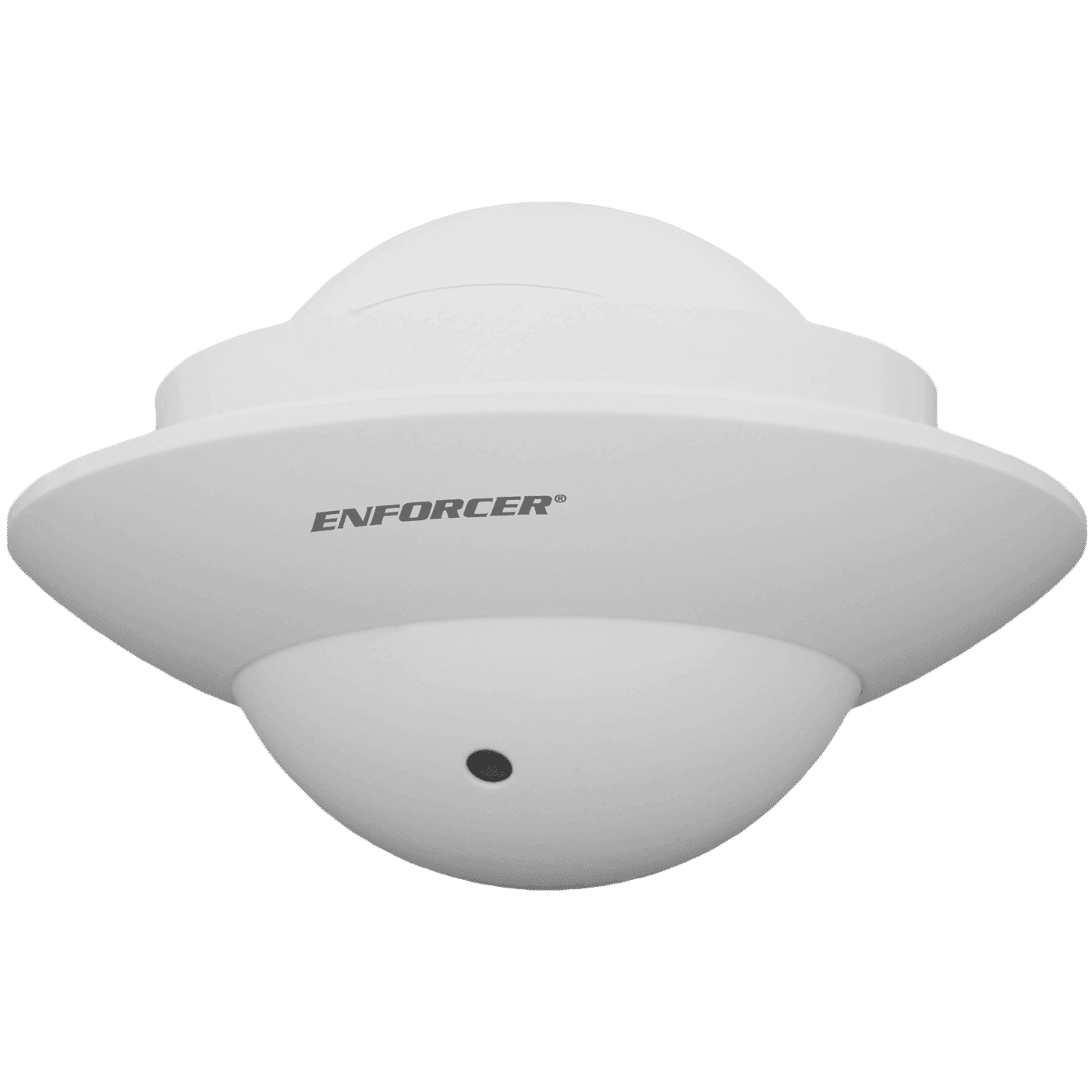



- 1080p Resolution
- 3.7mm Pinhole lens rotates to nearly any angle for flexible installations
- 3D-NR (3D Digital Noise Reduction)
- DWDR (Digital Wide Dynamic Range)
- Low 0.1 Lux rating
- Joystick OSD control for easy camera programming
- Small size protrudes only 1″ (26mm)
- Weatherproof (IP66) construction
- Low-profile design blends in with nearly any decor
| Housing Color | White |
| Type | Flush-Mount UFO Camera |
| Image sensor | 1/2.9″ 2MP Sony CMOS |
| Formats | TVI (default) / CVI / AHD / Analog |
| Resolution | 1920×1080 |
| Viewing Angle | 80° |
| TV Lines | 1200TVL |
| 3D-NR | Yes |
| 2D-NR | Yes |
| DWDR | Yes |
| Cable OSD Control | Yes |
| On Screen Display (OSD) | Yes |
| Megapixels | 2MP |
| Minimum Illumination | 0.1Lux |
| Video Output | 1.0Vp-p Complex video output |
| FPS | 30FPS |
| Lens | 3.7mm Pinhole lens |
| F Stop | F1.4 |
| S/N Ratio | 50dB |
| DSS (Digital Slow Shutter) | Yes |
| Shutter Control | Auto/Manual (x30~1/50000), FLK |
| Operating Voltage | 12VDC |
| Current Draw | 90mA |
| Gamma Correction | 0-1 |
| Gain Control | Yes |
| White Balance | Auto, Day & Night |
| IP Rating | IP66 |
| Operating Temperature | -4°~131° F (-20°~55° C) |
| Dimensions | 3″x3″x1″ (77x77x26 mm) (Protruding from wall) |
| Weight | 9.9-oz (280g) |
FAQs
Check that the correct power supply is in use.
Change the position of the camera.
Adjust the monitor’s contrast knob. Change the position of the camera.
Clean the lens using a soft, clean cloth. Check that the light source is adequate.
Change the position of the camera.
- Check that the camera is powered up.
- Check that the power supply’s polarity is correct. Check that the monitor is powered up.
- Check that the video cable connecting the camera to the monitor is connected properly.