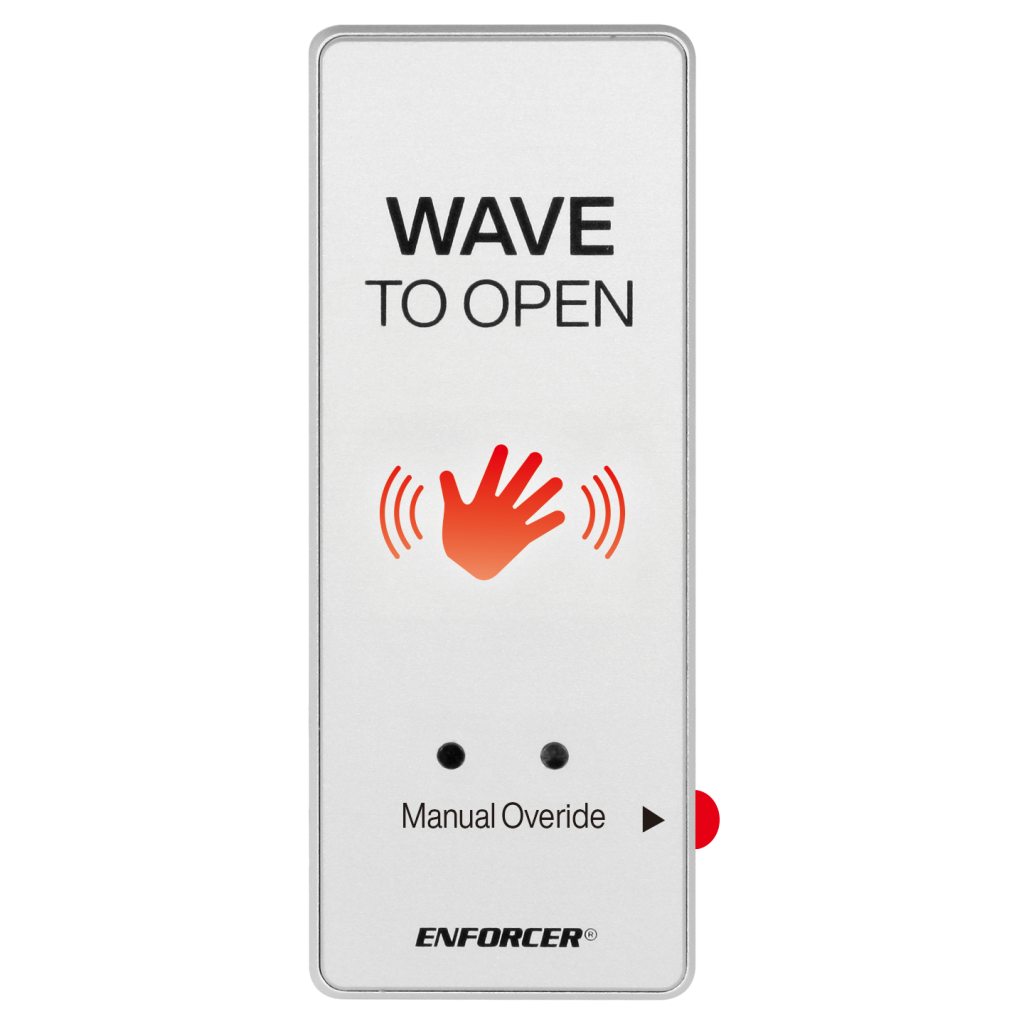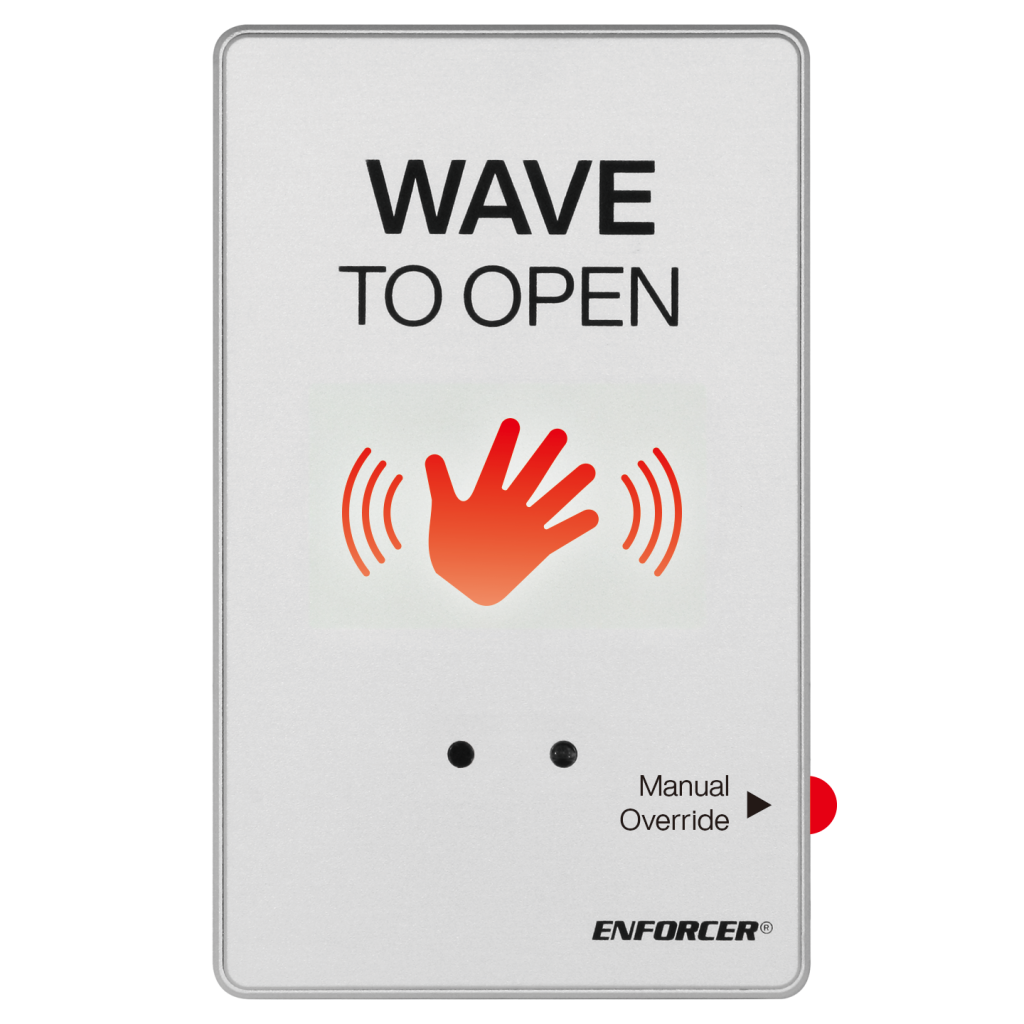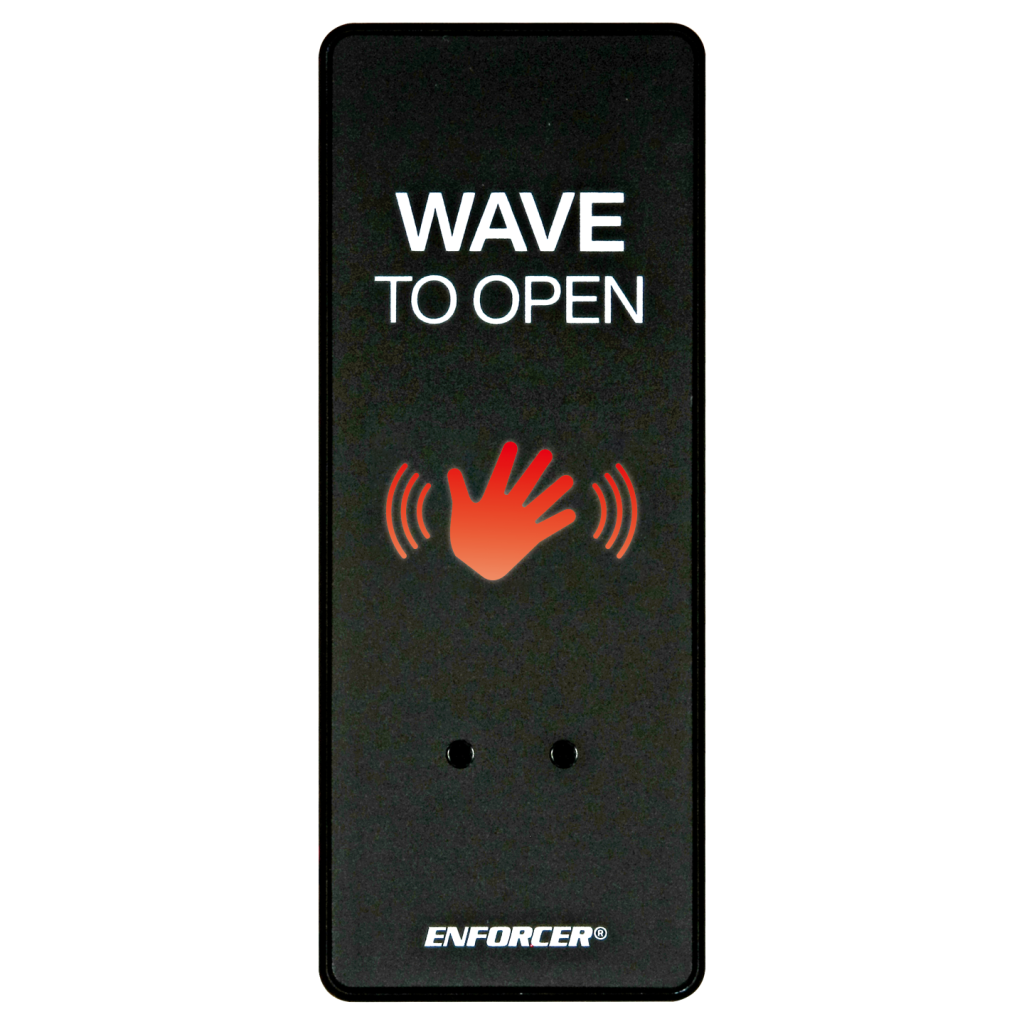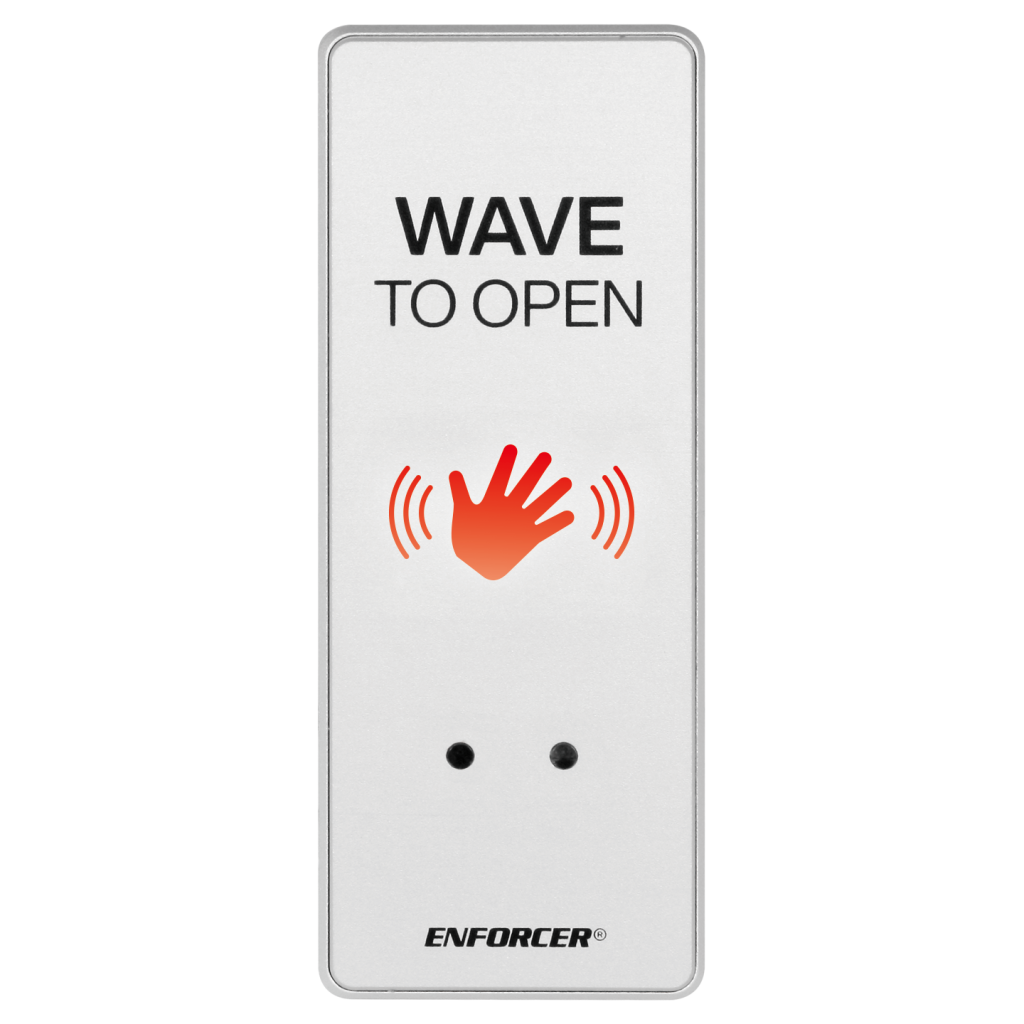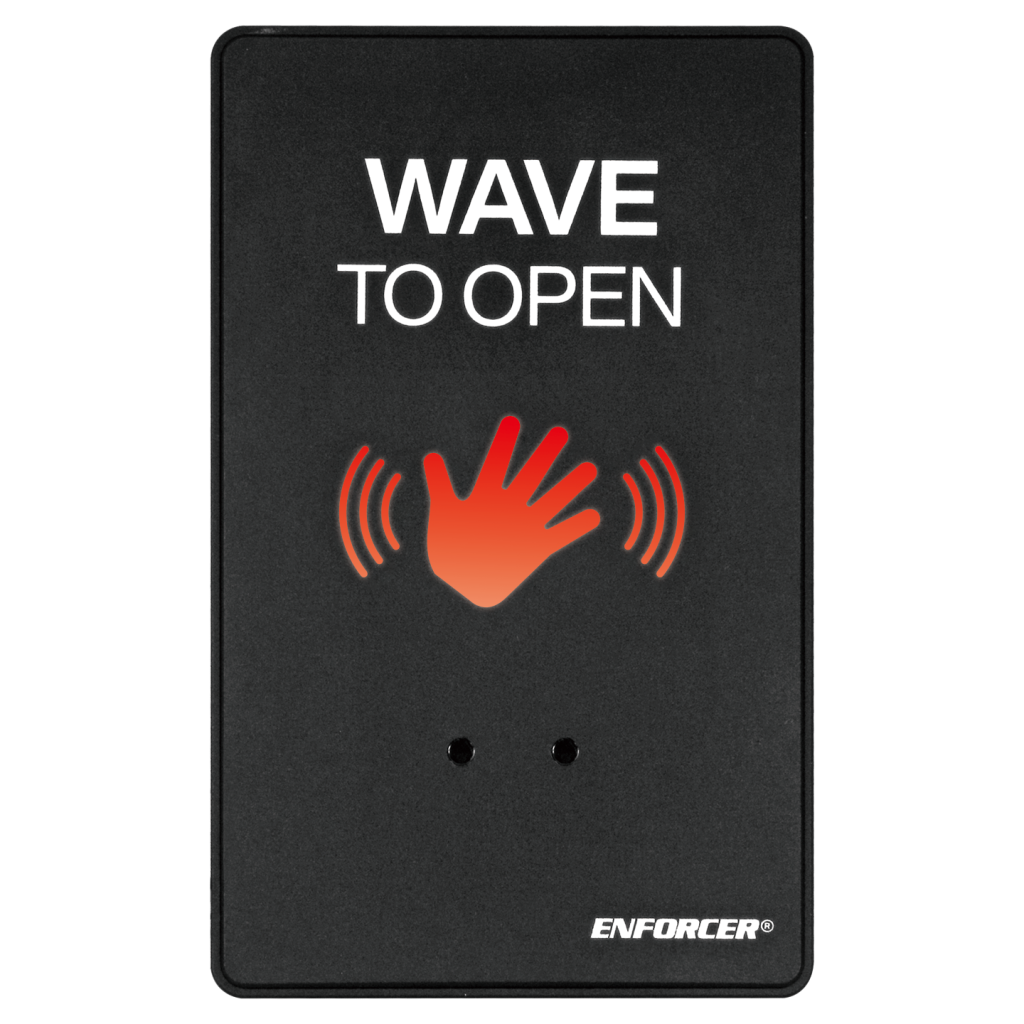
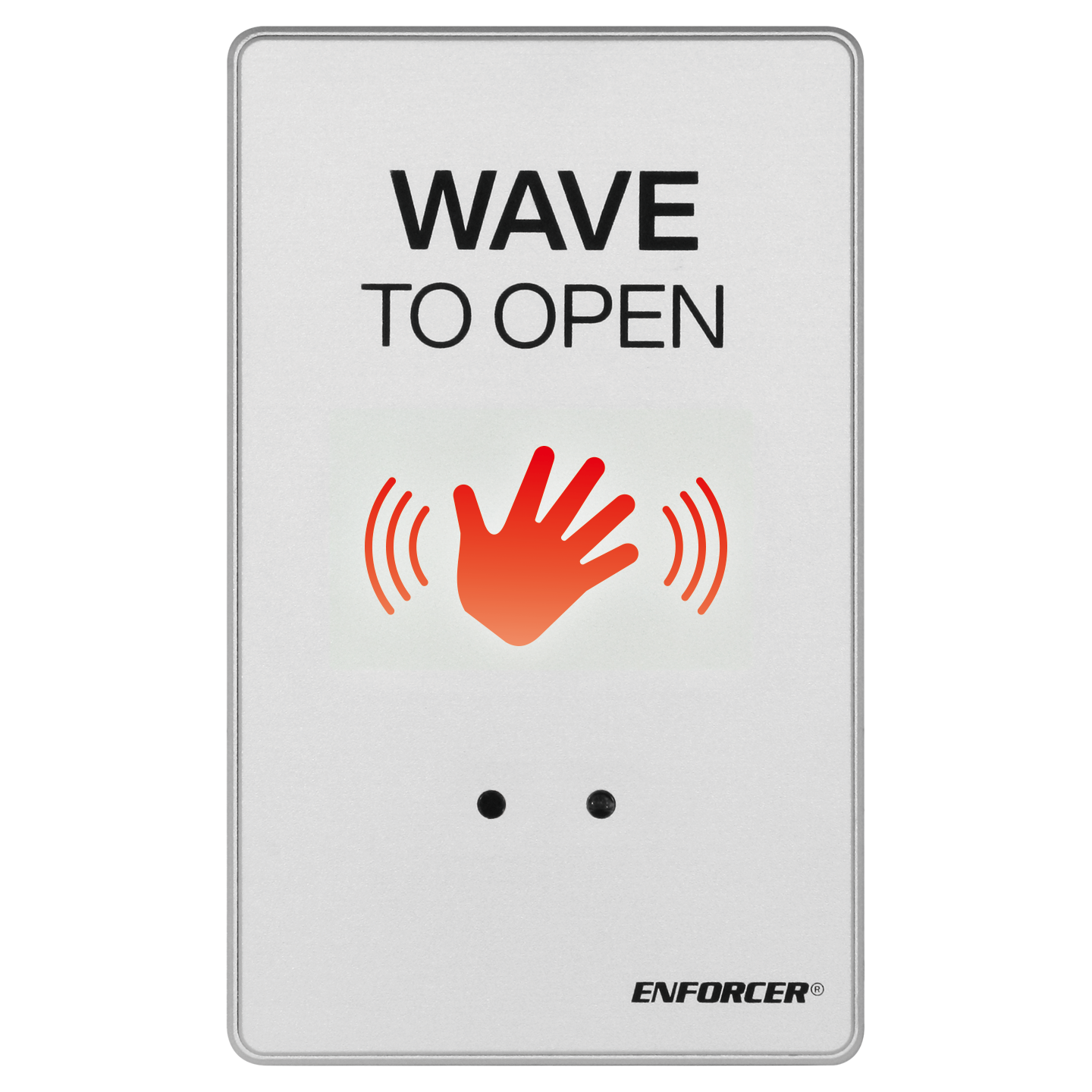
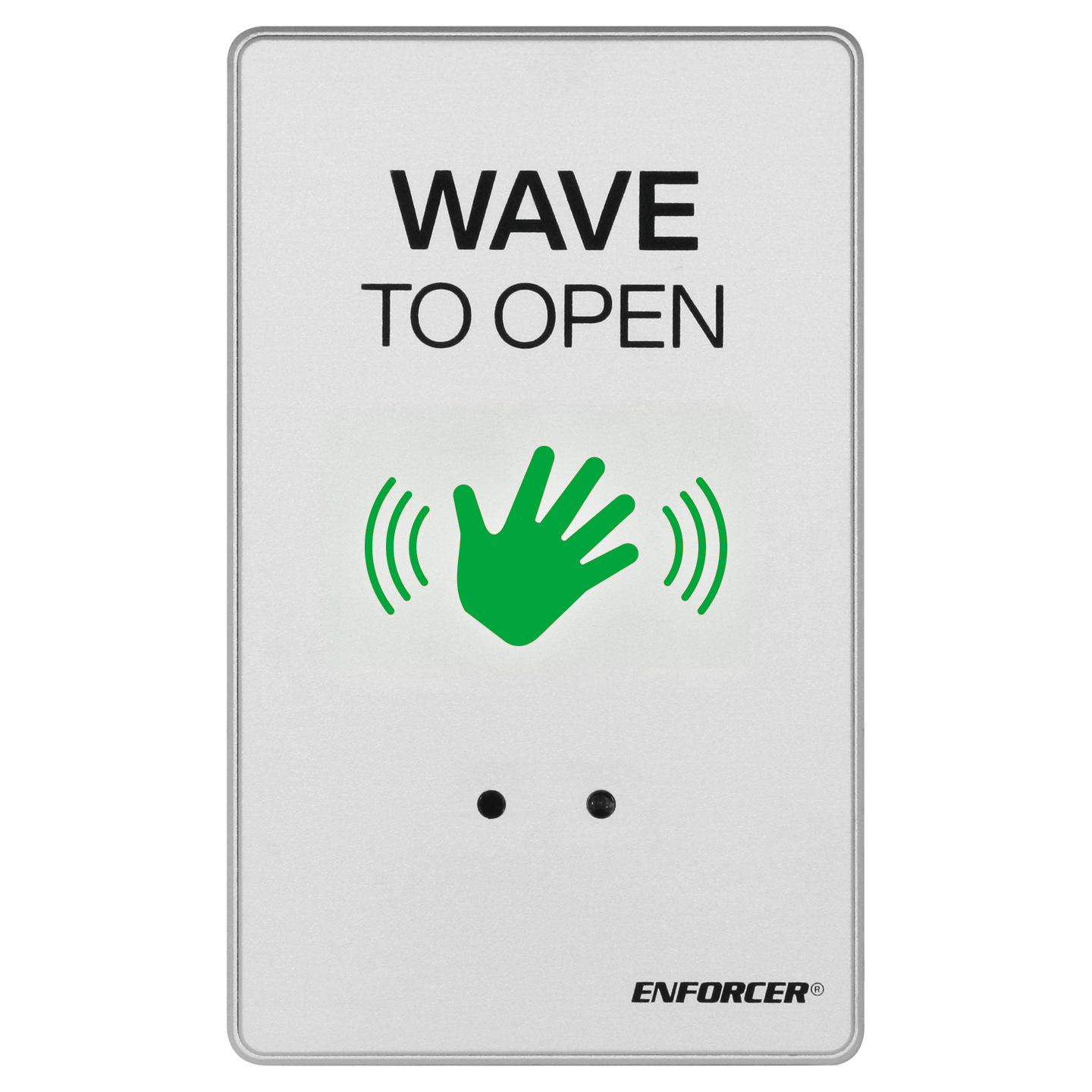


- Slim profile for clean, unobtrusive mounting and oversized LED indicator for enhanced visibility
- Clean, no-touch; just wave to exit
- Selectable LED standby/activated colors – red/green or green/red
- Pulse series – LED slowly pulses on/off to visually confirm operation (red standby only)
- Hand gesture programming – use hand gestures to set LED standby/activated colors and pulse on/off without tools or removing from wall
- Built-in timer: 0.5~30 sec, toggle mode and adjustable sensor range of 2-3/8″~12″ (6~30 cm)
- CNC-machined aluminum housing for strength and durability in matte aluminum or matte black
- IP67 weatherproof, epoxy-sealed components
| Faceplate type | Single-gang |
| Color (matte finish) | Aluminum |
| Override button | No |
| Operating voltage | 12~24 VDC |
| Current draw (max.) | Standby: 40mA@12VDC Active: 60mA@12VDC |
| Outputs | Type: Form C (SPDT) Rating: 2A@24VDC Duration: 0.5~30 sec, toggle (default – 0.5s, adjustable by potentiometer) |
| Sensor | Type: Infrared (IR) Range: 2-3/8″~12″ (6~30 cm) default – 12″ (30cm) Response: 10ms |
| LED Indicator | Dual-color, standby – red* / activated – green (default, can be reversed) |
| Connectors | 5 Colored wires |
| Cable length | 5-1/2″ (14cm) |
| Operating life | 500,000 Switch cycles |
| IP Rating | IP67 Waterproof (epoxy-sealed components) |
| Operating humidity | 0~95%, non-condensing |
| Operating temperature | 32°~167° F (0°~75° C) |
| Material | CNC-machined aluminum alloy |
| Dimensions | 2-3/4″x x4-1/2″x7/16″ (70x115x11 mm) |
| Weight | 5.5-oz (156g) |
*Pulse mode can only be activated when red, standby / green, activated is set.
FAQs
- Wait 30 seconds without triggering the sensor, then try again.
- Check that nothing is in range of the sensor, including a 60º cone from the centerline.
- Reduce the IR range of the sensor.
- Ensure that the sensor’s output duration potentiometer is not turned to maximum
- Check that the power voltage is within the sensor’s specifications.
- Ensure that no strong direct or reflected light source is reaching the sensor.
- Ensure that the sensor is sheltered from direct sunlight.
- Increase the IR range of the sensor.
- Check that the power voltage is within the sensor’s specifications.