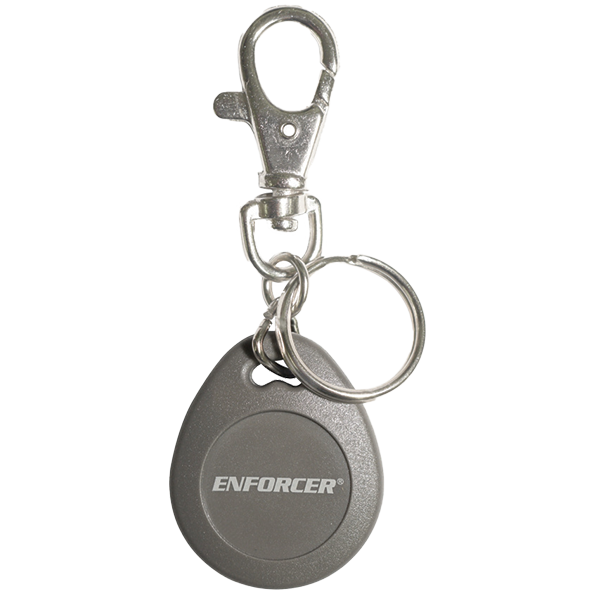
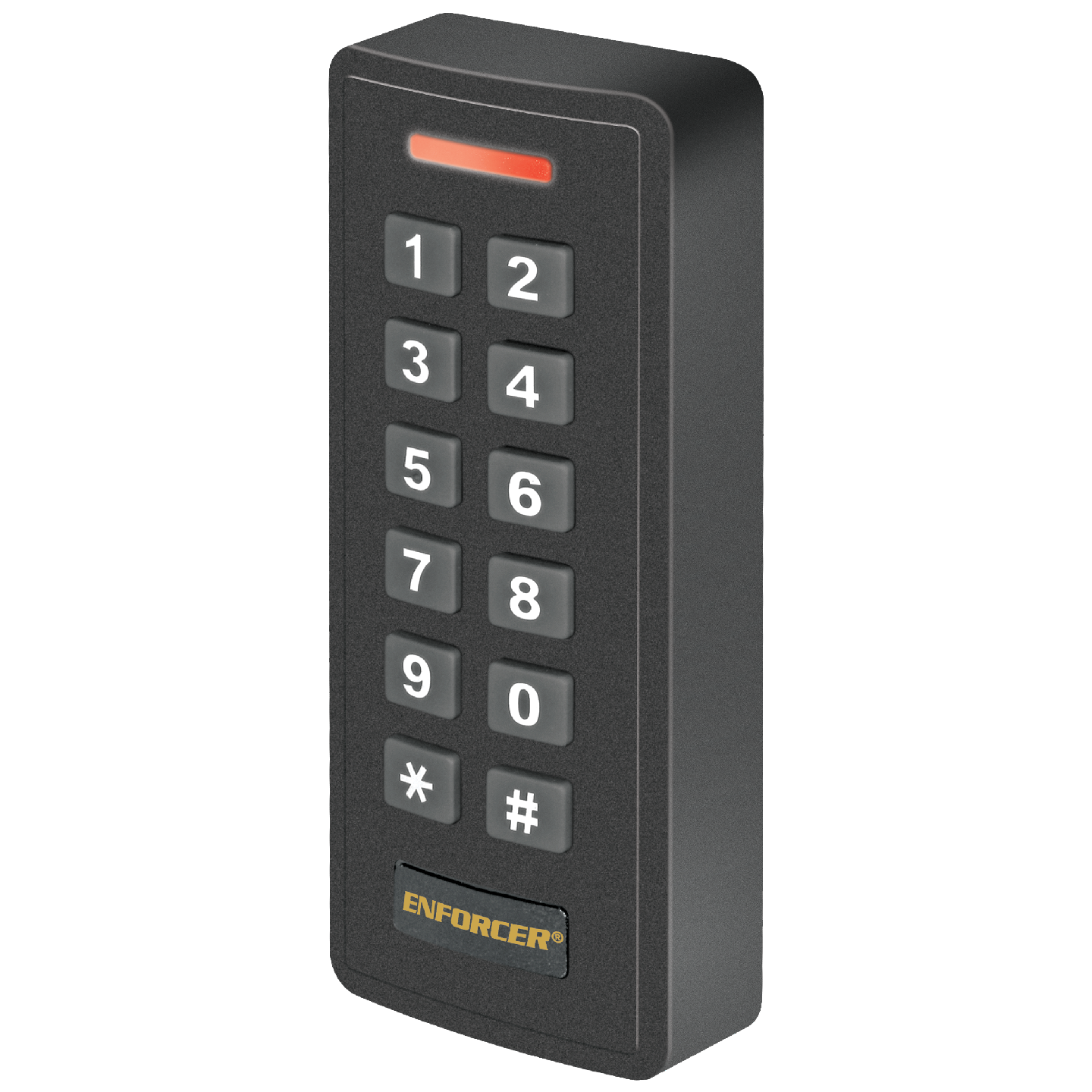



- 1,000 Users (up to 987 common, 1 super, 2 duress, and 10 visitors)
- 12~18 VDC Operation
- Low current draw – 150mA max.
- Form C relay output – 2A@12VDC
- Adjustable output – 1~99 seconds or toggle
- Built-in tamper alarm and external alarm output
- Door-propped-open / door-forced-open alarm
- Can serve as Wiegand output reader or controller, output and input – 26~44 bits
- EM 125kHz Proximity card reader
- Easy duplication of users to additional devices
- Bulk adding of multiple cards at a time
- Backlit keypad programmable to ON, OFF, or standby OFF automatically ON with keypress
- 2-Door interlock
- Outdoor rated – IP66 weatherproof
| Operating Voltage | 12~18 VDC |
| Current Draw | Standby: 60mA@12VDC Active: 150mA@12VDC (max.) |
| Outputs | Form C: 2A@12VDC Alarm: Transistor ground, 2A@12VDC Wiegand: 26~44 bits |
| Inputs | Wiegand: 26~44 bits, PIN input – 4, 8, or 10 bits Egress: N.O. Ground Door Sensor: N.C. Ground |
| Card type | EM 125kHz |
| Enclosure material | Black ABS plastic |
| Operating temperature | -40°~140° F (-40°~60° C) |
| Operating humidity | 0~98% non-condensing |
| Dimensions | 1-15/16″x4-3/4″x15/16″ (49x120x24 mm) |
| Weight | 5.8-oz (165g) |
| Unit fails to accept a new user/duress code/card |
|
| Unit fails to respond to a programmed user code/card |
|