
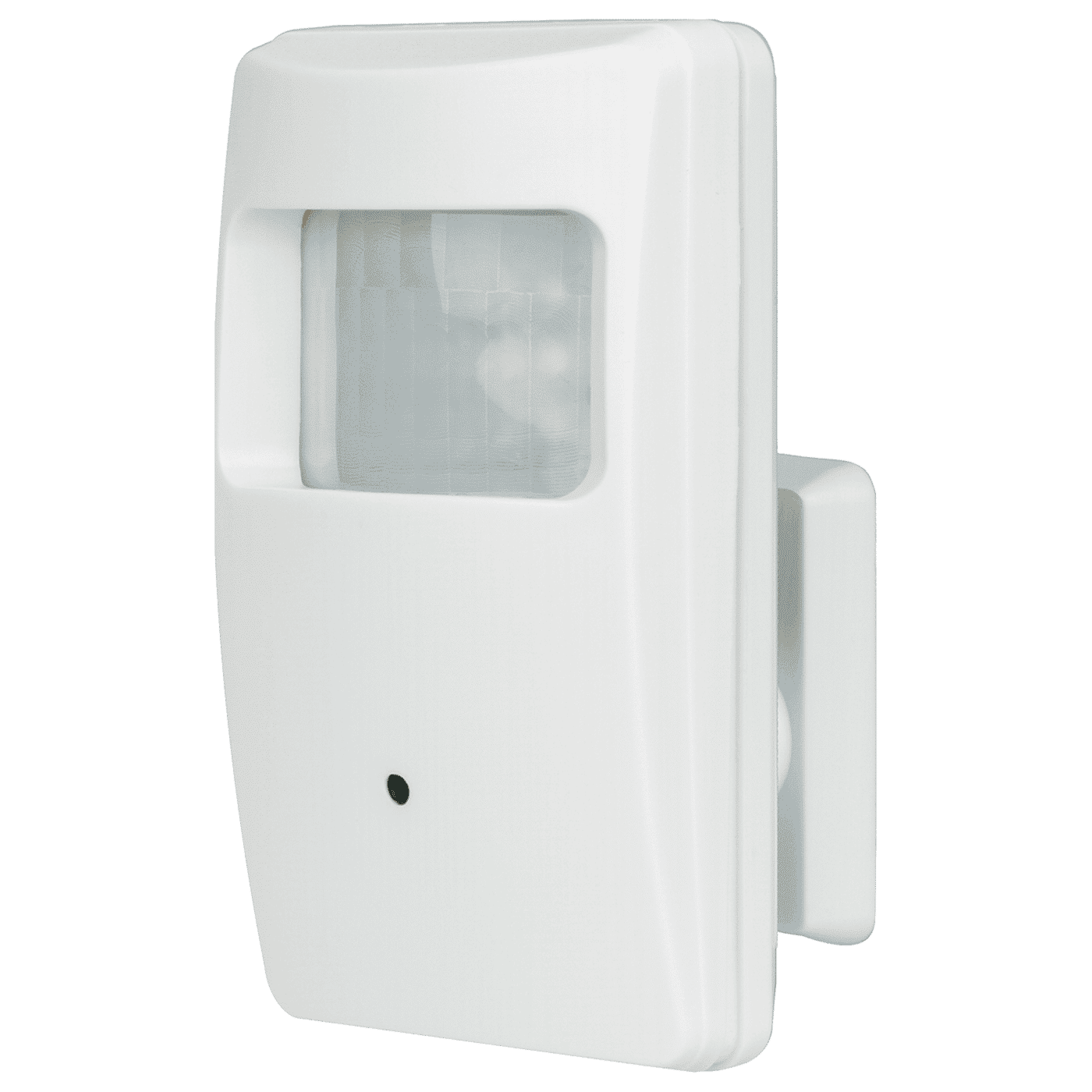



- 5MP Resolution
- 1/2.8” 5MP Sony CMOS
- Joystick OSD Control
- ICR Module
- 2DNR (2D Digital Noise Reduction)
- D-WDR (Digital Wide Dynamic Range)
- 3.7mm Covert pinhole lens
- 18 Covert IR LEDs for discreet monitoring
- Camera is hidden in a non-functioning PIR sensor housing
| Formats | TVI (Default) / CVI / AHD / Analog |
| CMOS | 1/2.8″ 5MP Sony CMOS |
| Resolution (HD) | 2592×1944, 1440p |
| 2DNR | Yes |
| D-WDR | Yes |
| OSD (On-Screen Display) | Yes |
| Cable OSD control | Yes |
| Megapixels | 5MP |
| Lens | 3.7mm Pinhole Lens |
| Viewing Angle | 120° |
| # of IR LEDs | 18 Covert (940nm) |
| IR Range | Up to 50ft (15m) |
| FPS | 20FPS |
| F Stop | 2.2 |
| Minimum illumination – IR On | 0.1 Lux |
| Minimum illumination – IR Off | 0.01 Lux |
| S/N Ratio | >50dB |
| Shutter control | AES (Auto Electric Shutter), 1/60~1/50,000 s |
| Gain control | Yes |
| Operating voltage | 80mA@12VDC |
| IP Rating | IP65 |
| Operating temperature | -4°~140° F (-20°~60° C) |
| Dimensions | 4-1/16″x2-3/8″ x1-5/16″ (104x60x34 mm) |
| Weight | 12.3-oz (350g) |
FAQs
Check that the correct power supply is in use.
Change the position of the camera.
Adjust the monitor’s contrast knob. Change the position of the camera.
Clean the lens using a soft, clean cloth. Check that the light source is adequate.
Change the position of the camera.
- Check that the camera is powered up.
- Check that the power supply’s polarity is correct. Check that the monitor is powered up.
- Check that the video cable connecting the camera to the monitor is connected properly.