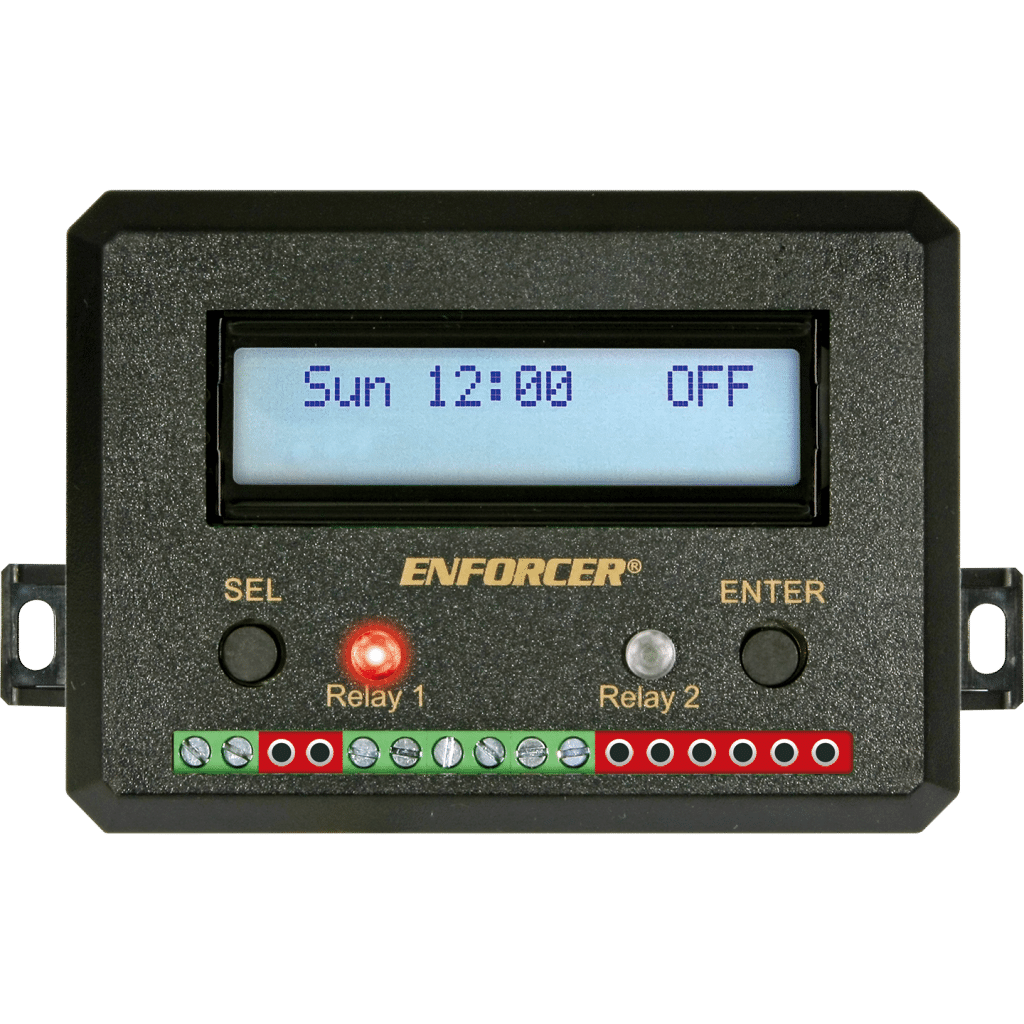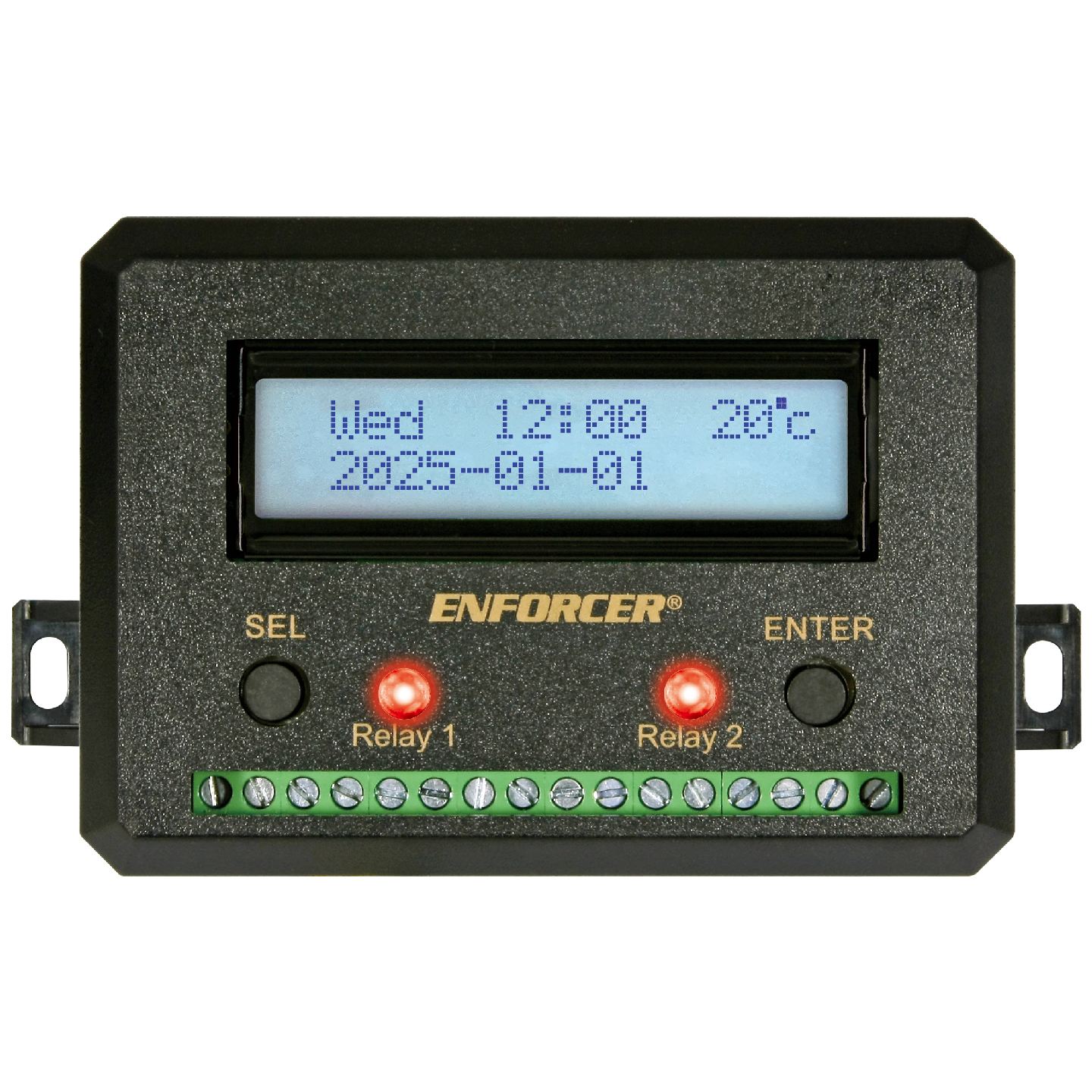

- Wide operating voltage range – 10~48 VDC, 12~24 VAC
- Two N.O. or N.C. Form C relays, 10A@14VDC, with one egress input per relay
- 99 Programmable events per relay (total, 198) set weekly, daily, or hourly, over a year
- 20 Programmable holiday events – each holiday event from 1~31 days in duration
- Block programming allows events to be repeated
- EEPROM Memory for safe data protection in case of power failure
- No clock battery to replace – built-in super capacitor saves date/time 7-10 days after power loss
- Built-in leap year compensation, auto US/EU switch to Daylight Savings Time, or manual DST
- Smart backup battery charger for an external backup battery (not included) extends battery life
- Easy troubleshooting status checks – relay test, input voltage, backup battery voltage/charge
- Passcode protection can be turned ON or OFF
- First-person-in (first-man-in, FM) function interrupts the normal operation of the annual timer
- Event outputs can be programmed to disable, ON, OFF, shunt, or momentary (1~99 seconds)
- Tandem mode allows both relays to operate simultaneously
| Operating Voltage | 10~48 VDC / 12~24 VAC |
| Current Draw | Standby: 14mA@12VDC ±10% Active: 110mA@12VDC ±10% (per channel) |
| Inputs | First person: 2x N.O. Ground (1 per relay) Egress:2x N.O. Ground (1 per relay) |
| Outputs | Number: 2 Type: Form C, NO/NC/CM Rating: 10A@14VDC |
| Event capacity | 99 per relay |
| Display | Large 2-5/8″x5/8″ (66×16 mm) screen with white LED backlight |
| Connectors | Terminal block, accessible without opening case |
| Backup battery | Type: 12VDC (supports lead-acid compatible battery, not included) Charge: Smart charge, 50mA max., battery ≥11.5V and ≤12.8V |
| Clock backup battery | Super capacitor, preserves time/date 7~10 days |
| Operating temperature | -4°~167° F (-20°~75° C) |
| Dimensions | 4-1/8″x3″x15/16″ (105x76x33 mm) |
| Weight | 5.6-oz (158g) |
FAQs
- From the home screen, press the ENTER button to see both the input voltage and the backup battery voltage.
- Daylight Saving Time adds one hour to the displayed time without changing the internal clock. To get the correct time, set the clock to standard time (see Setting the Date and Time, pg. 7), one hour earlier than DST, then enable DST.
- You can use the System Test (see pg. 11) to toggle each relay on and off to test that the relay works properly.
- Ensure all battery connections are correct and tight.
- Press the ENTER button from the home screen to show the “power input and battery level” screen to confirm that the battery is connected but not charging.
- Note that the battery will stop charging when the battery reaches 12.9 V and will not resume charging until the battery’s voltage falls below 11.5V or after 2 weeks, whichever comes first.