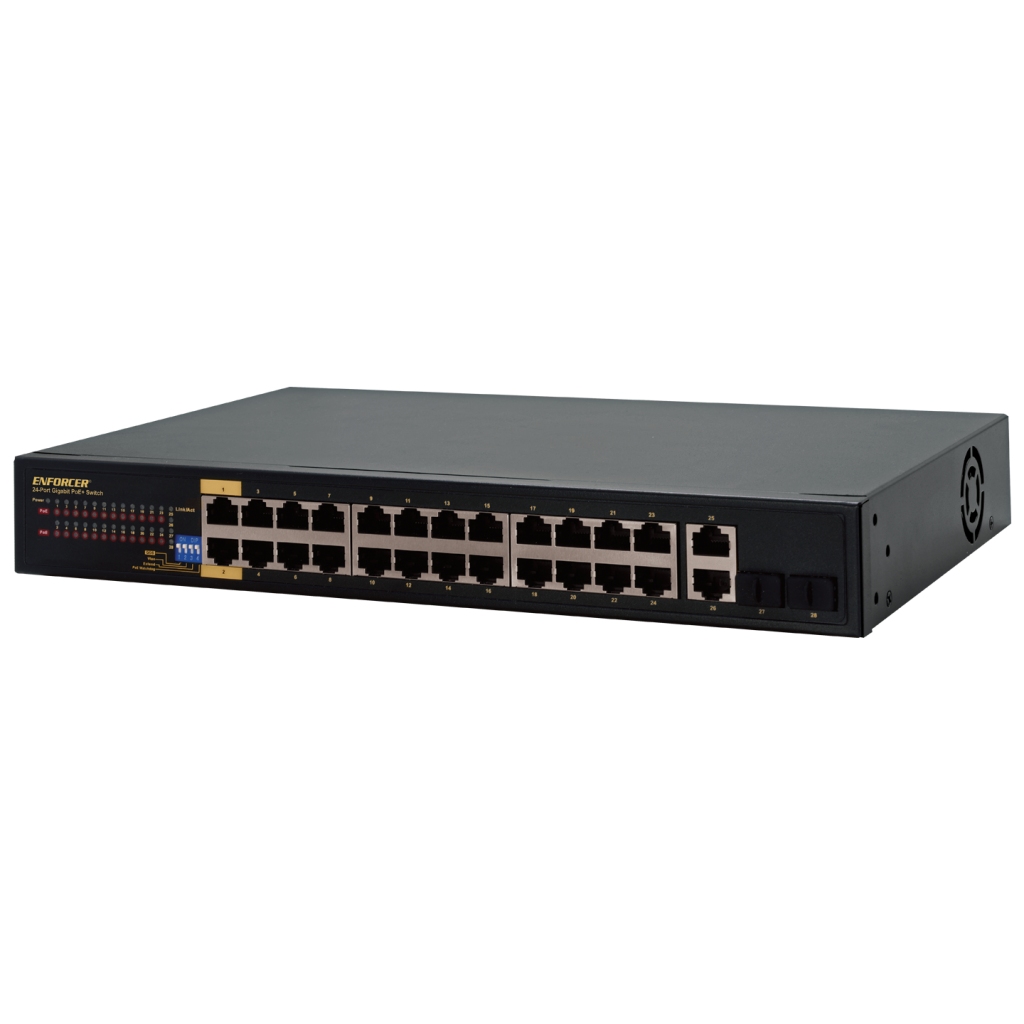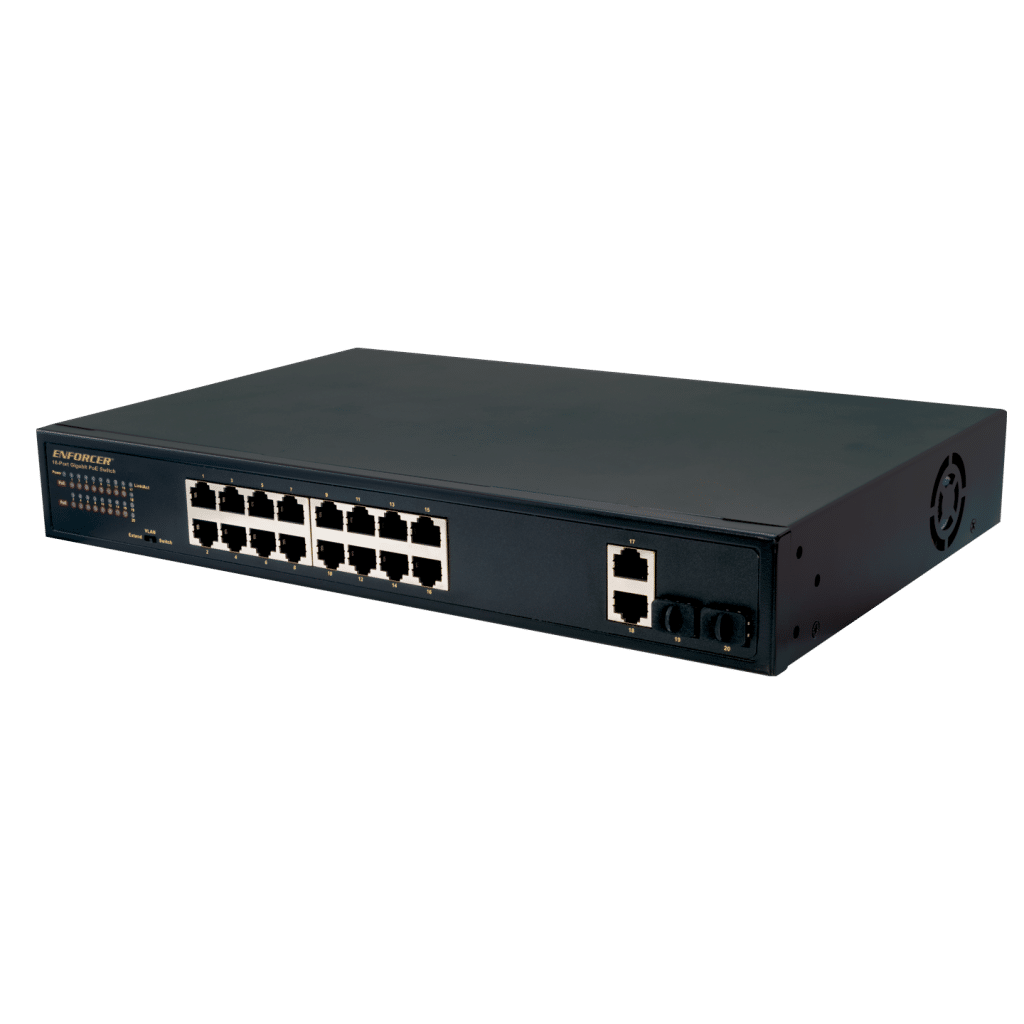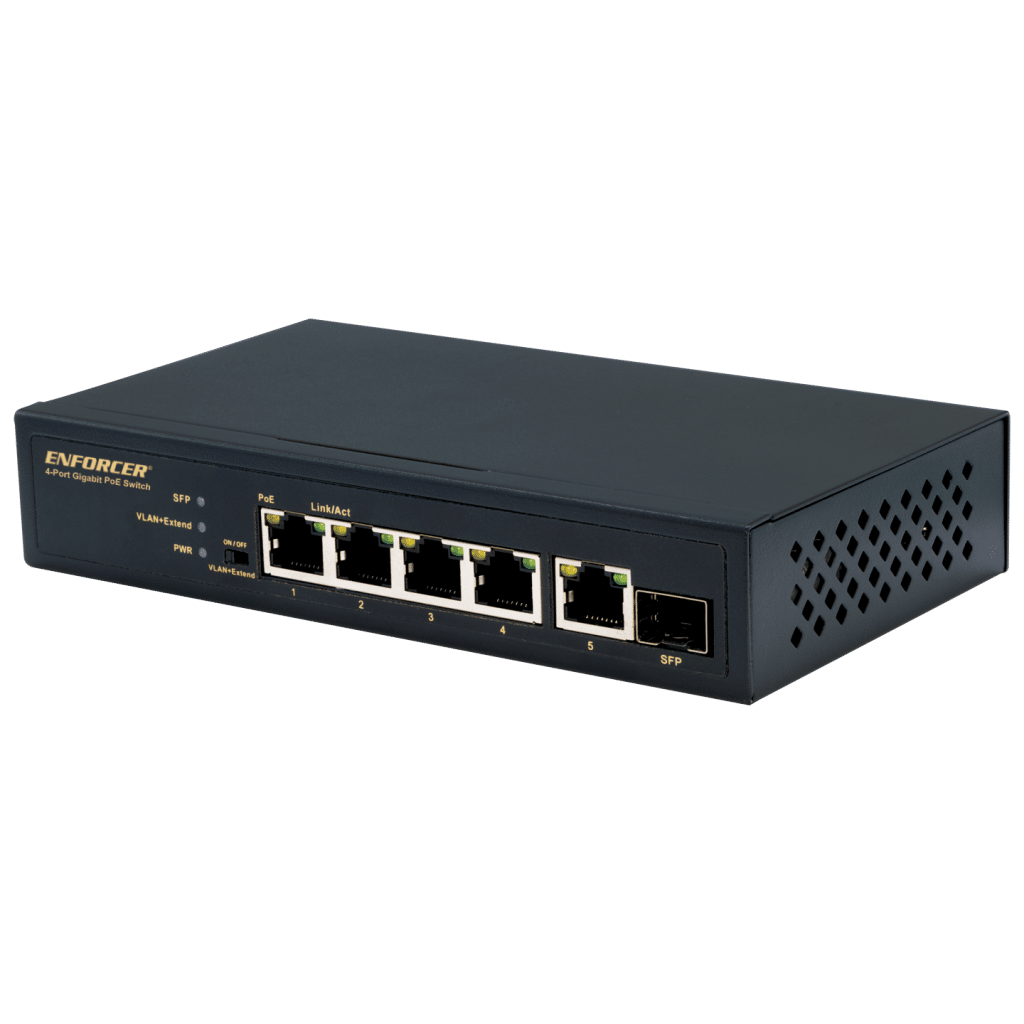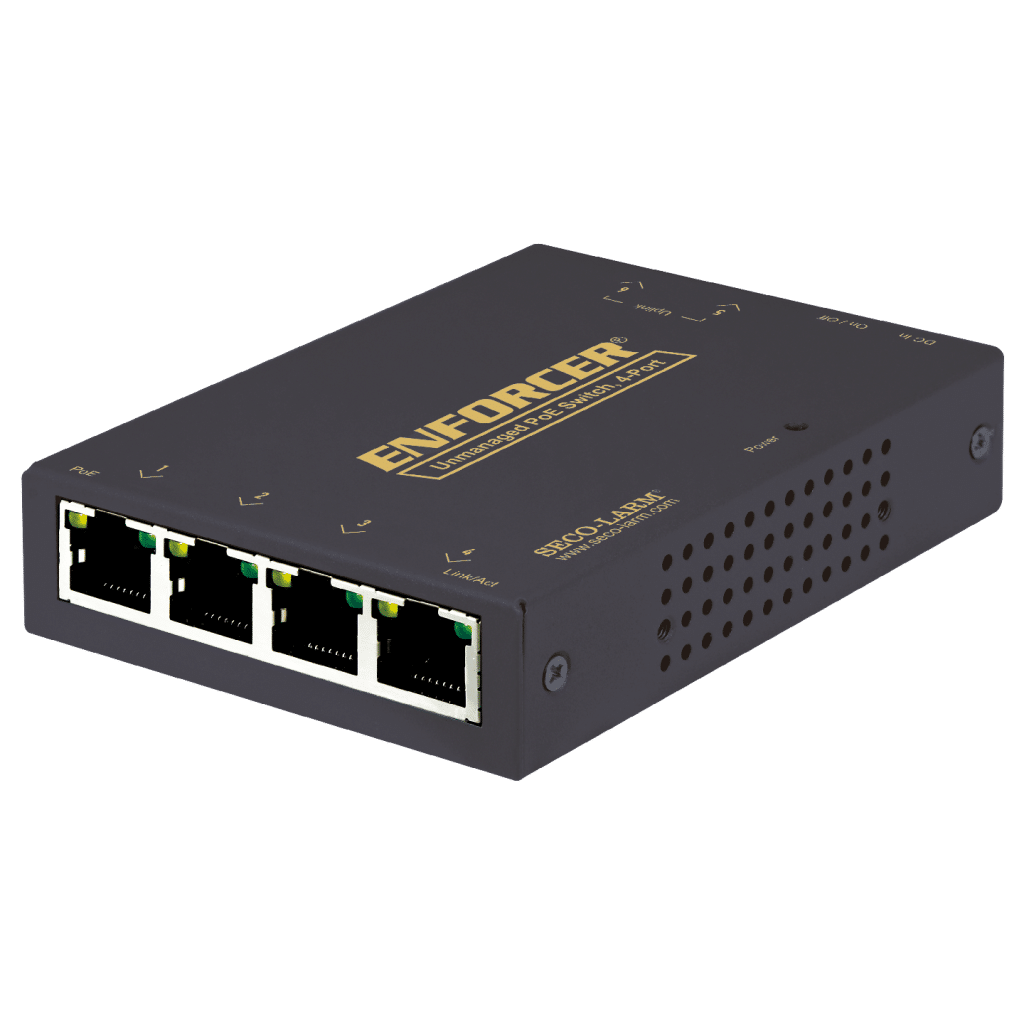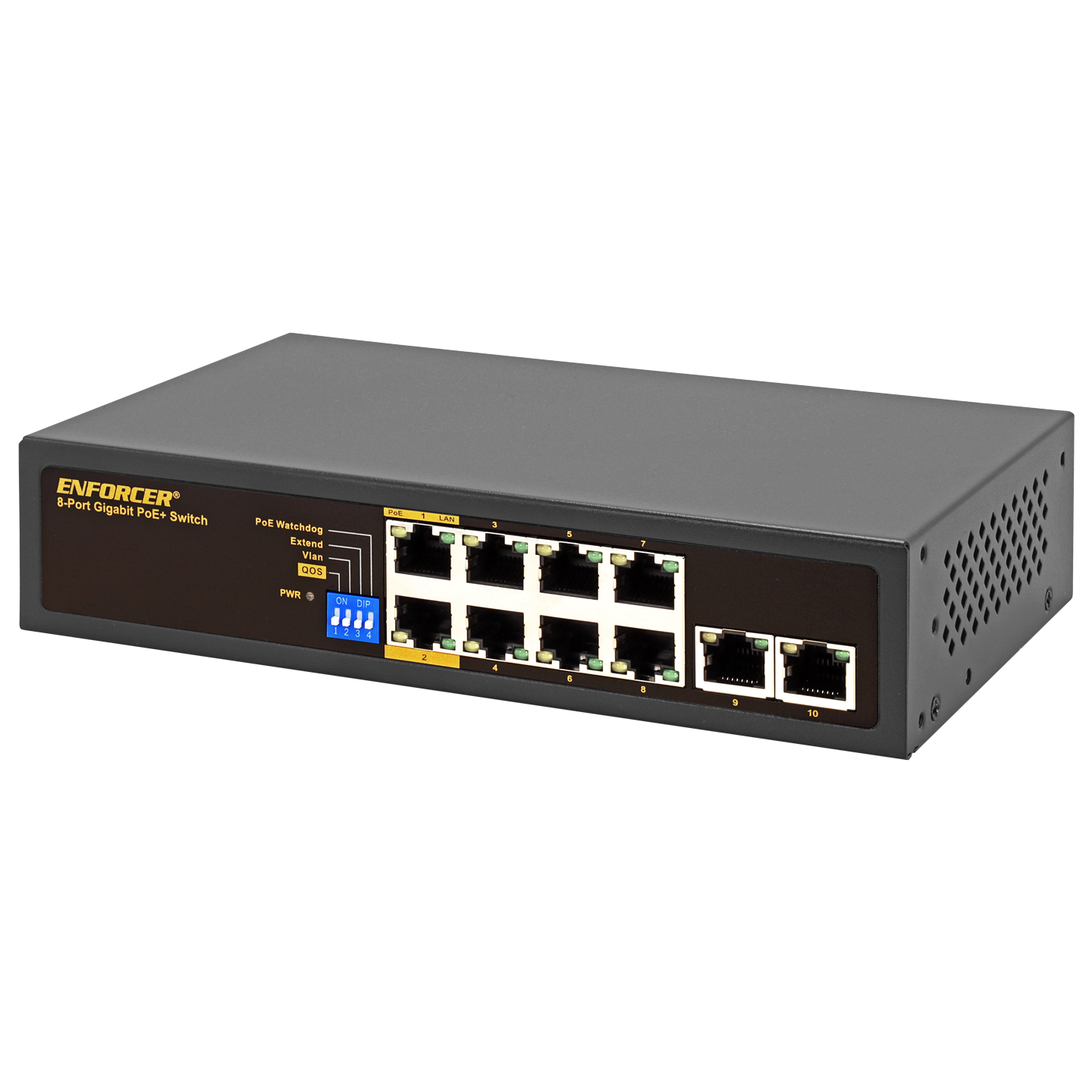




- Provides both Ethernet data and power to multiple PoE devices including IP cameras, IP access, IP speakers/intercoms, VOIP, etc.
- Specially designed for video transmission with fast packet forwarding capability for clear images and smooth transmission
- Easy plug-and-play installation
- Supports up to 10/100/1000BASE-T
- PoE standard IEEE 802.3af/at
| Operating voltage | 100~240 VAC |
| Power consumption | <10W |
| Ports | 8 Downlink, 2 uplink |
| Ethernet speed | 10/100/1000Mbps (uplink, 1000Mbps) |
| Ethernet standard | IEEE 802.3, IEEE 802.3u, IEEE 802.3ab, IEEE 802.3af, IEEE 802.3at, IEEE 802.3x, IEEE 802.3z |
| Transmission distance | Normal: 328ft (100m)‡ Extend§: 820ft (250m) at 10Mbps |
| PoE capacity | 120W |
| Switching capacity | 20Gbps |
| Transfer rate | 10Mbps: 14,880pps 100Mbps: 148,800pps 1000Mbps: 1,488,000pps |
| MAC Address table | 4K |
| AI | QoS, VLAN, Extend, PoE Watchdog |
| LED Indicators | Connection/transmission and PoE for each port, power |
| Operating humidity | 0~85% non-condensing |
| Operating temperature | 14°~122° F (-10°~40° C) |
| Dimensions | 7-7/8″x2-3/4″x4-5/8″ (200x44x118 mm) |
| Weight | 1-lb 12.4-oz (806g) |
‡ Distance depends on the Ethernet cables used. Cat5e/6 recommended
§NS-104UT-MAQ with DIP switch ON. NS-5xx-GA with Extend ON.
FAQs
- Confirm that both input and output devices are turned on
- Ensure that the Ethernet cable does not exceed 328ft (100m) or 656ft (200m) for the NS-104UT-MAQ, NS-516UT-GAQ, and NS-524UT-GAQ with VLAN function switch turned ON
- Confirm that no PoE equipment power requirement exceeds 30W
- Confirm that the Ethernet cable meets EIA/TIA 568A or 568B standard and that both ends are the same standard (not a crossover cable)
- Test the Ethernet cable to ensure that it is operational
- Test with another PoE device that is known to be operating correctly