



CS-PD419-PQ

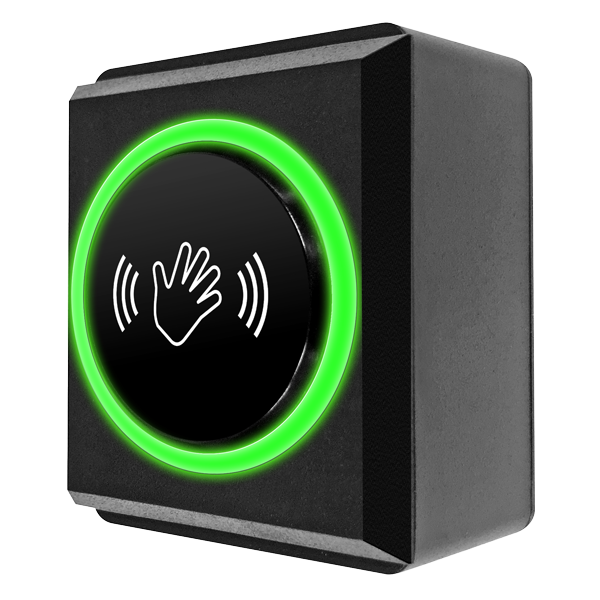
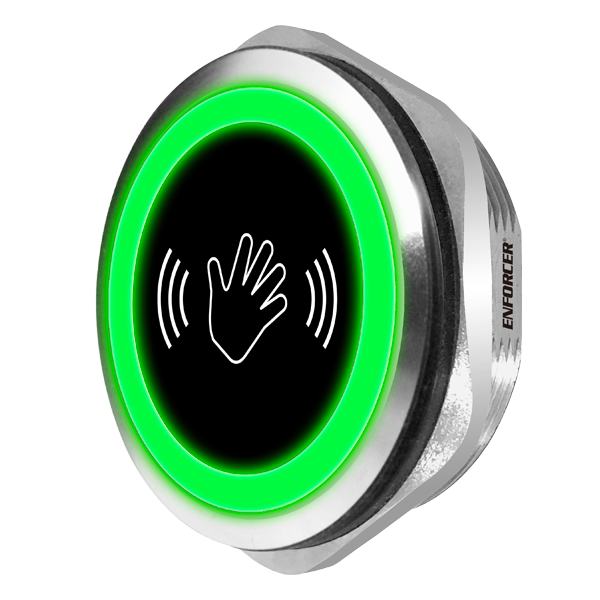
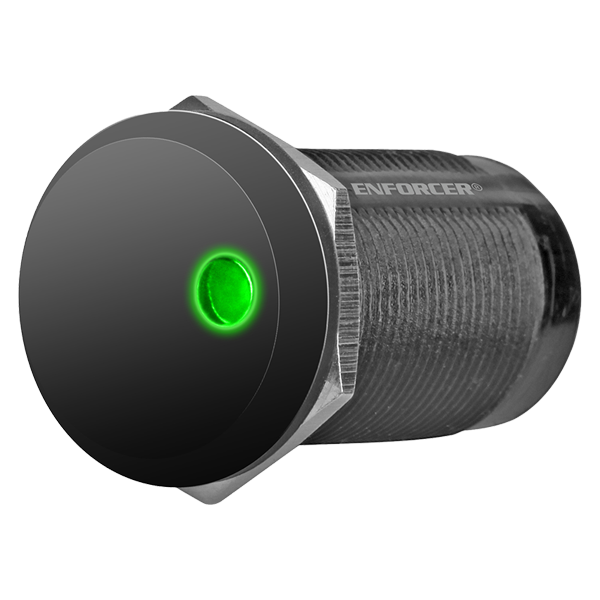
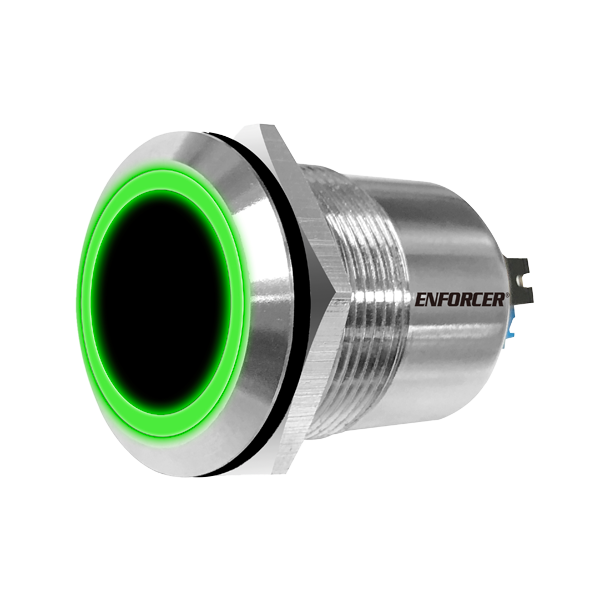
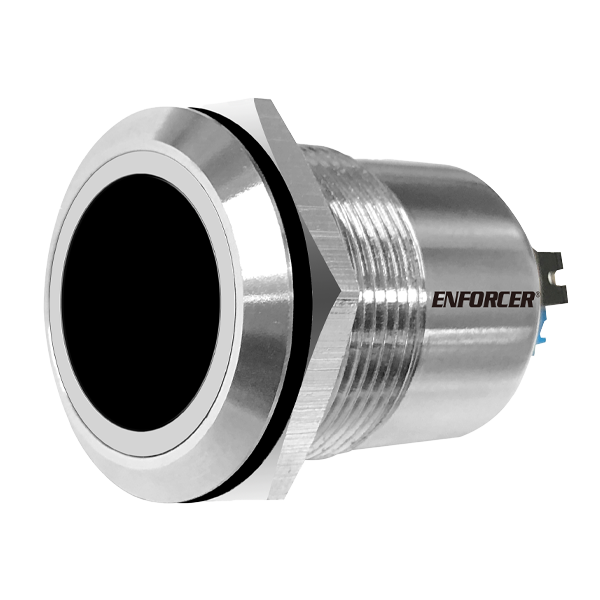
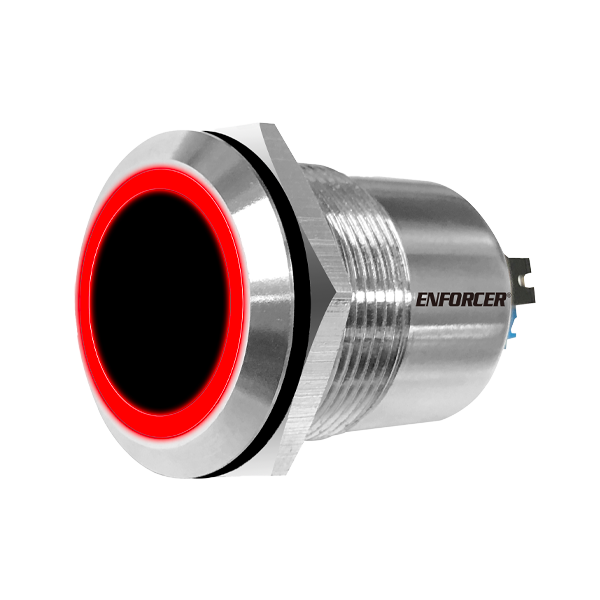
Infrared Proximity Sensor – 19mm, Stainless steel

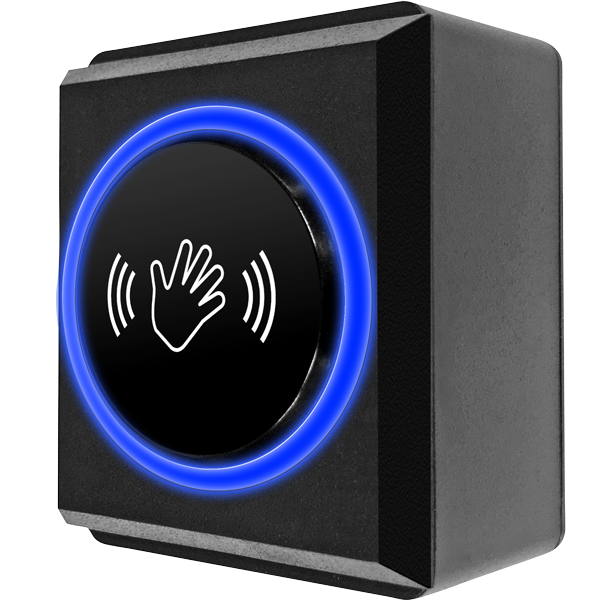
ENFORCER IR Proximity Sensors are compact and can be programmed to unlock an electronic lock when an object (such as a hand) passes in range of the sensor or trigger an alarm when an object is removed from the sensing area making them useful for both anti-theft and access control.

  • product_icon
  • product_icon
  • product_icon

  •  No-touch reduces the risk of spread of germs, viruses, etc., through cross-contamination
  •  Triggers a warning or locking device when the sensor is triggered
  •  Form C relay output (1A@30VDC), adjustable output duration (0.5~30 s) or toggle
  •  Adjustable sensor range, up to 7″ (18cm)
  •  Selectable LED colors (turns from red to green or green to red on activation)
  •  12~24 VDC Operation
  •  Filters out interference from other infrared sources
  •  Weatherproof front panel (IP65)*
  •  Power must be provided by low-voltage power-limited/Class 2 power supply
  •  Use only low-voltage field wiring and do not exceed 98.5 ft (30m)

* Weatherproof when properly installed
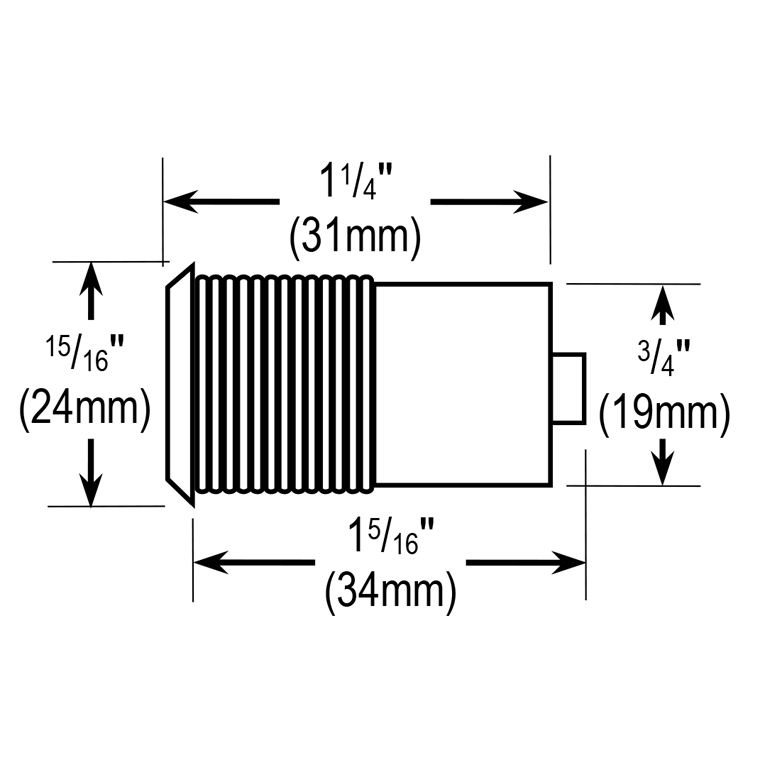
Dimensionsø3/4″ (ø19mm)


Diameterø3/4″ (ø19mm)
Case MaterialStainless steel and polycarbonate
Operating Voltage12~24 VDC
Current draw (max. ±10%)Standby red (12/24 VDC): 14mA / 18mA
Triggered green (12/24 VDC): 20mA / 26mA
Relay TypeForm C dry contact, NO/NC/COM, 1A@30VDC
ConnectorsWire terminals
Response time10ms
Output duration0.5~30 Seconds or toggle
Sensing range2″~7″ (5~18 cm)
LED Indicator (standby/triggered)Red/green
Operating lifeRelay: 1,000,000 cycles
Sensor: 100,000 Hours
IP RatingIP65 (front panel only)
Operating temperature4°~131° F (-20°~55° C)
Destructive attack levelLevel I
Line securityLevel I
Endurance levelLevel IV
Standby powerLevel I
Product Information Sheet (PI) (pdf, 219KB)
Manual (pdf, 290KB)

FAQs

  1. Check that there are no objects in front of the sensor.
  2. Adjust the sensor’s range to be shorter (see IR Range and Trigger Time Settings on page 3 in the manual).
  3. Check that the power supply’s voltage is 12~24 VDC.
  4. Adjust the trigger time setting – a long delay or enabling toggle mode could affect the sensor’s operation.
  1. Adjust the sensor’s range to be longer (see IR Range and Trigger Time Settings on page 3 in the manual).
  2. Check that the power supply’s voltage is 12~24 VDC.
Scroll to Top