



CS-PD438-PQ

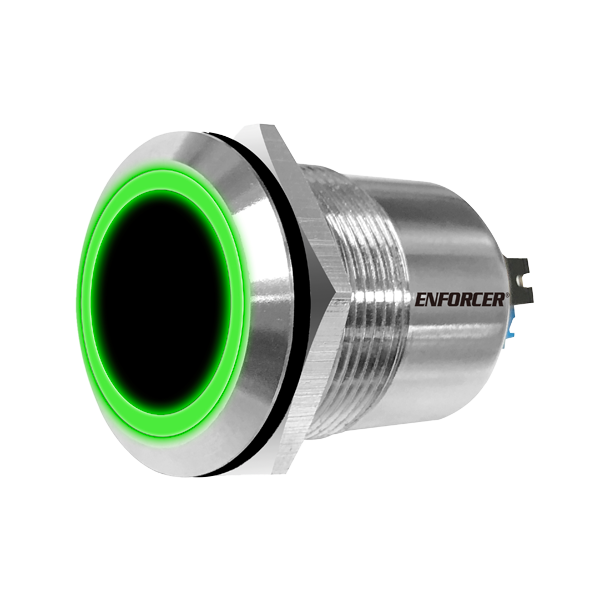
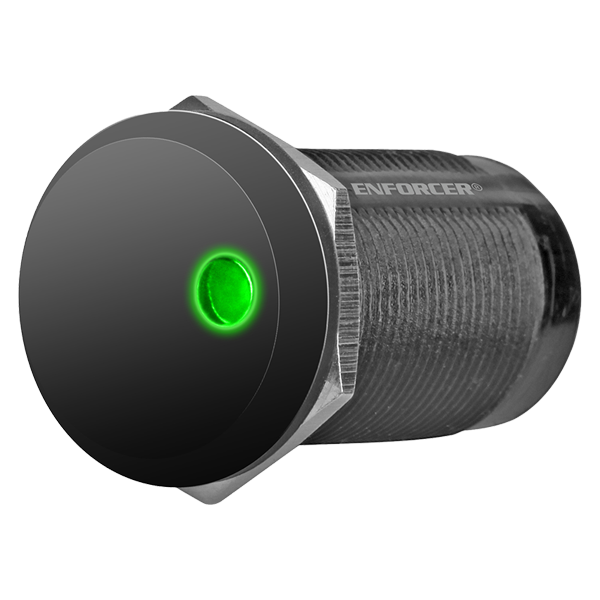
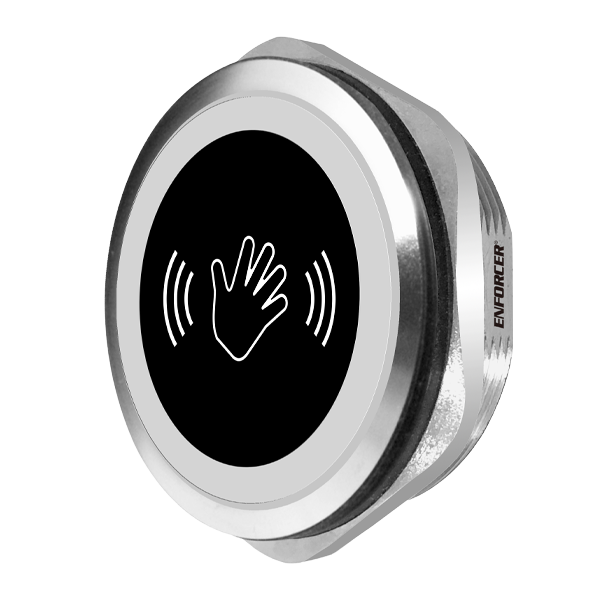
Infrared Proximity Sensor – 38mm, Stainless steel

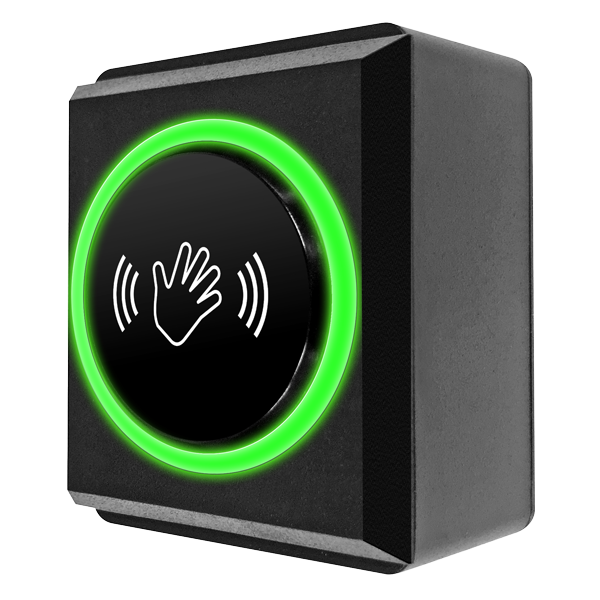
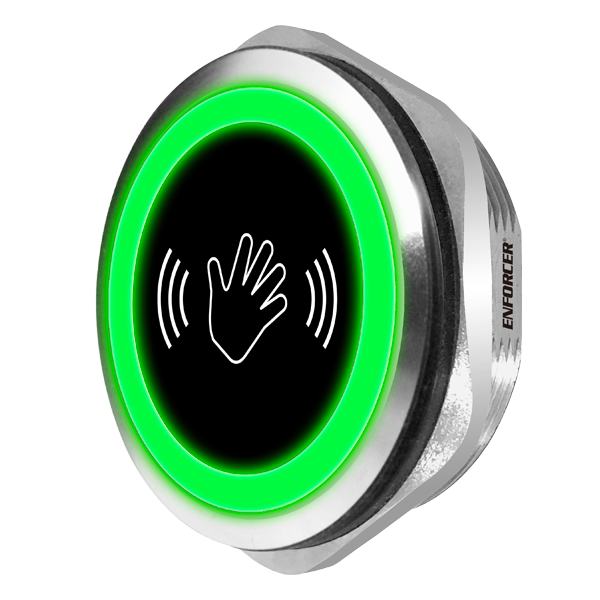
ENFORCER IR Proximity Sensors are compact and can be programmed to unlock an electronic door lock when an object (such as a hand) is passed in front of the sensor or trigger an alarm when an object (such as a valuable possession) is removed from the sensing area. This flexibility makes ideal for both anti-theft and access control applications.

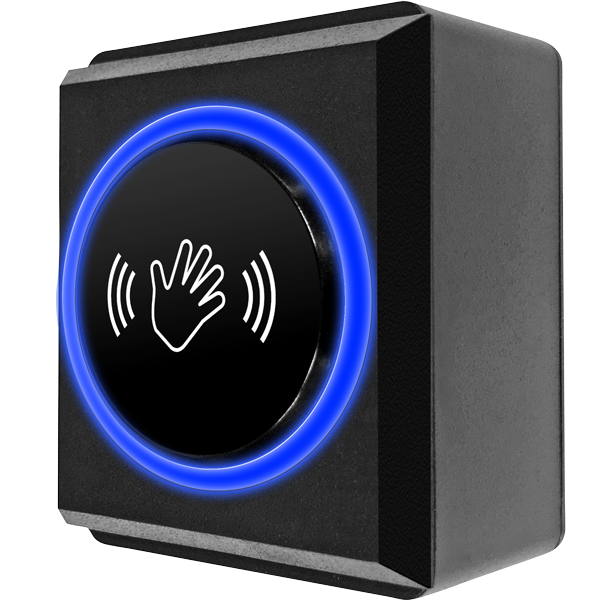
  • Access control: Mount the sensor to a wall or plate in a protected area. A user can wave a hand in front of the sensor to unlock an electric lock for no-touch, protected egress.
  • Anti-theft: Place the sensor under or behind a painting or other valuable object. If the object is removed, the sensor will trigger an alarm to alert the owner
  • product_icon
  • product_icon
  • product_icon

  • No-touch operation reduces the risk of spread of germs, viruses, etc., through cross-contamination
  • Adjustable sensor range up to 6″ (15cm) 1A relay, adjustable trigger duration 0.5~20 seconds or toggle
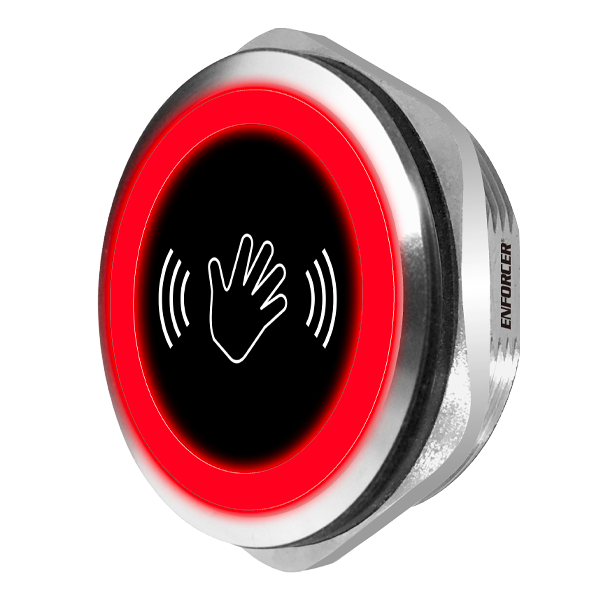
  • Selectable LED colors (turns from red to green or green to red) to show if the sensor is activated
  • Weatherproof (IP65*) for outdoor use
  • OEM / Private label available

* Weatherproof when properly installed
Operating Voltage12~24 VDC
Relay TypeForm C dry contact, NO/NC/COM, 1A@24VDC, 0.5A@12VAC
Response Time10mS
Output Time0.5~20s, toggle
Range1-9/16″~6″ (4~15cm)
IP RatingWeatherproof IP65*
Operating Temperature-4°~131° F (-20°~55° C)
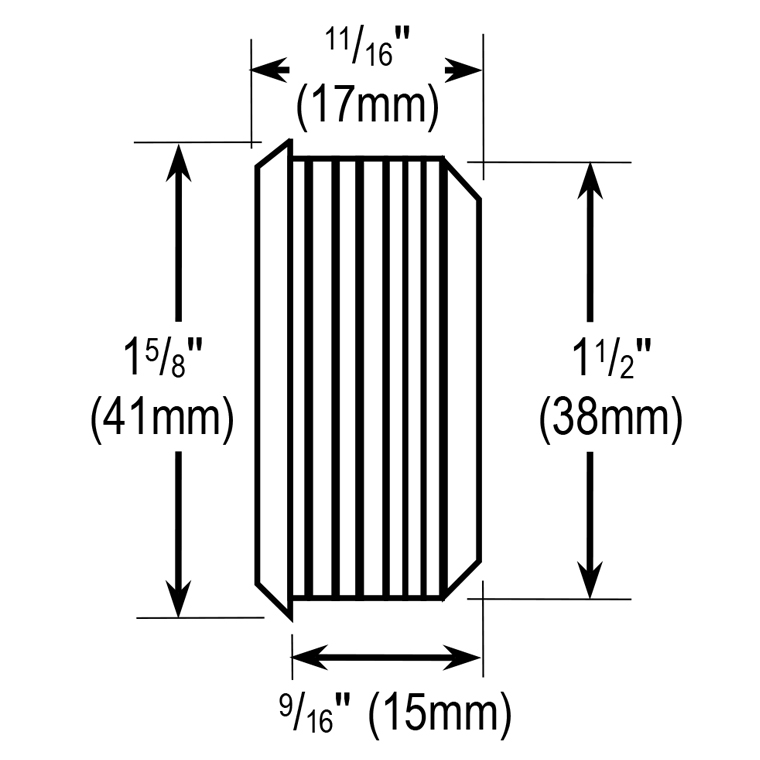
Dimensionsø1-1/2″ (ø38mm)
Product Information Sheet (PI) (pdf, 219KB)
Manual (pdf, 290KB)

FAQs

  1. Adjust the sensor’s range to be longer (see IR Range and Trigger Time Settings on page 3 in the manual).
  2. Check that the power supply’s voltage is 12~24 VDC.
  1. Check that there are no objects in front of the sensor.
  2. Adjust the sensor’s range to be shorter (see IR Range and Trigger Time Settings on page 3 in the manual).
  3. Check that the power supply’s voltage is 12~24 VDC.
  4. Adjust the trigger time setting – a long delay or enabling toggle mode could affect the sensor’s operation.
Scroll to Top