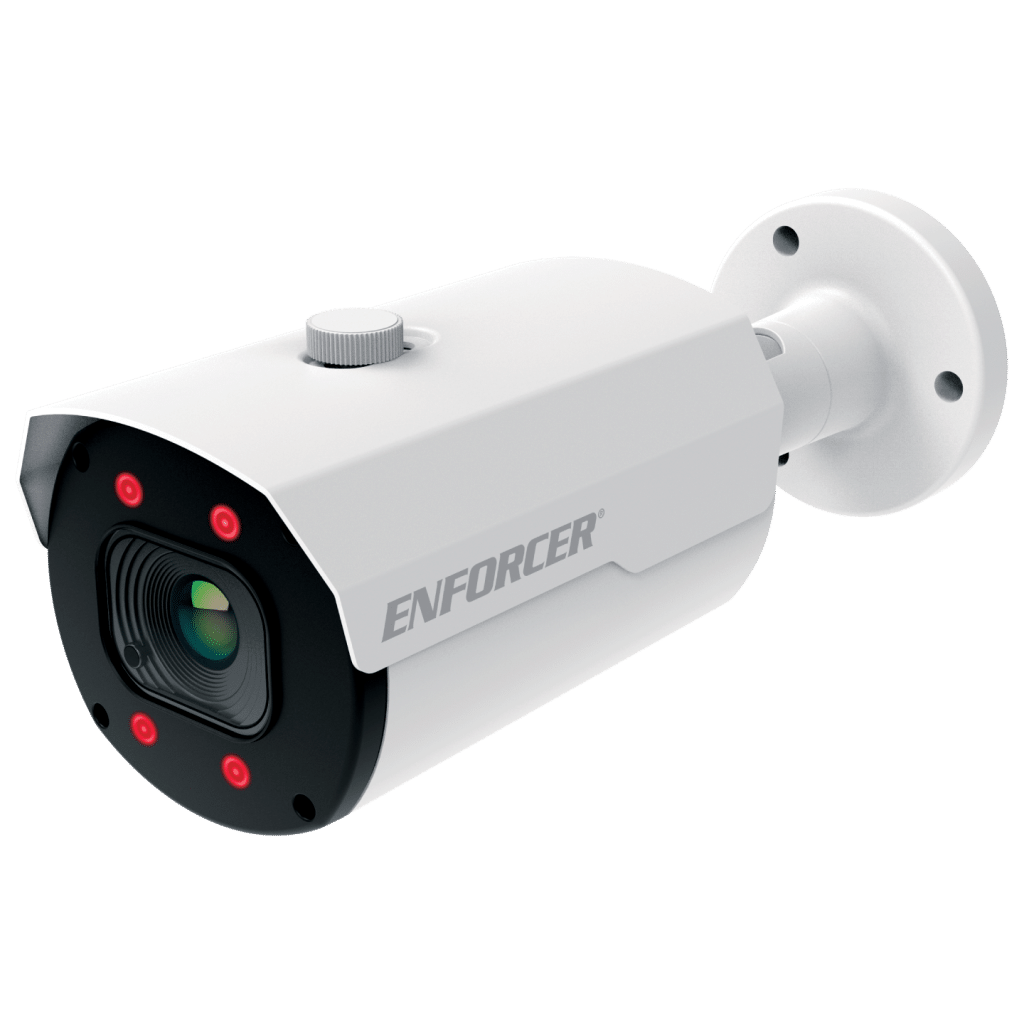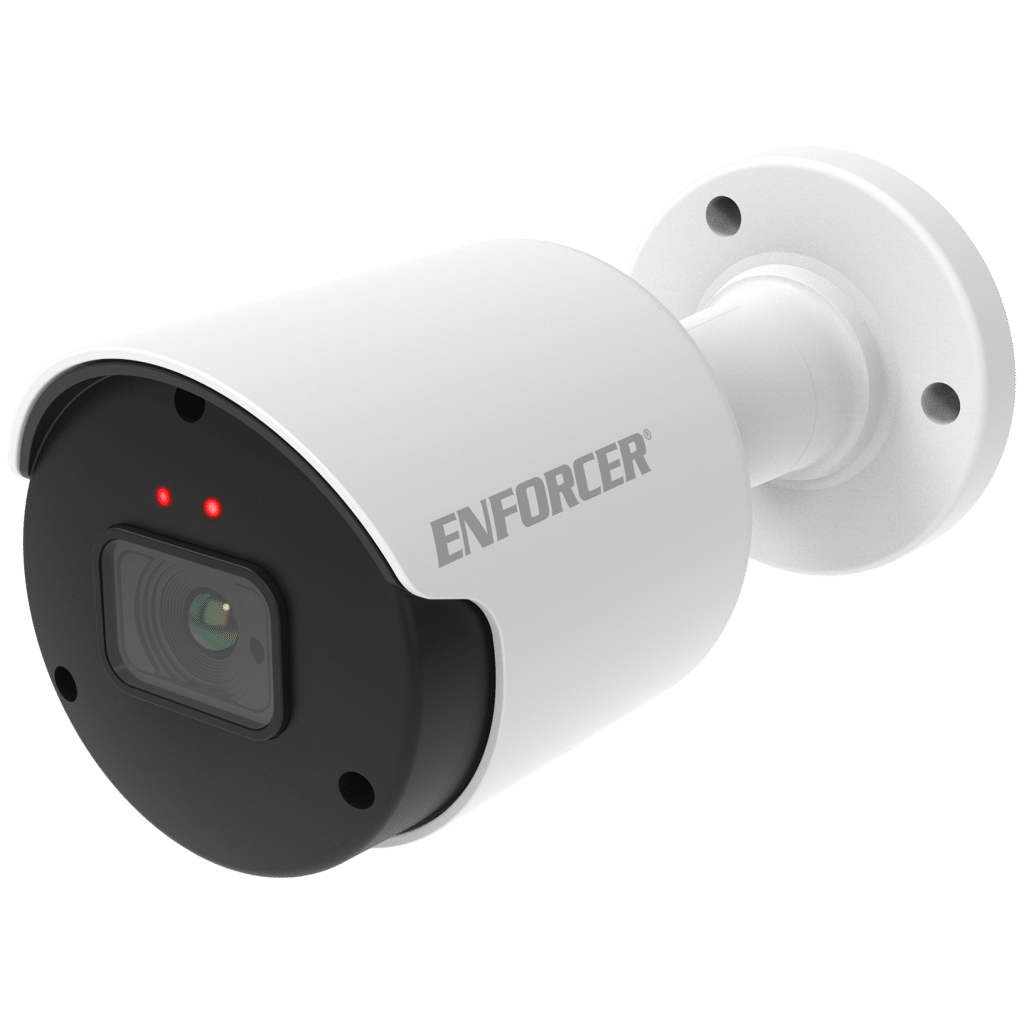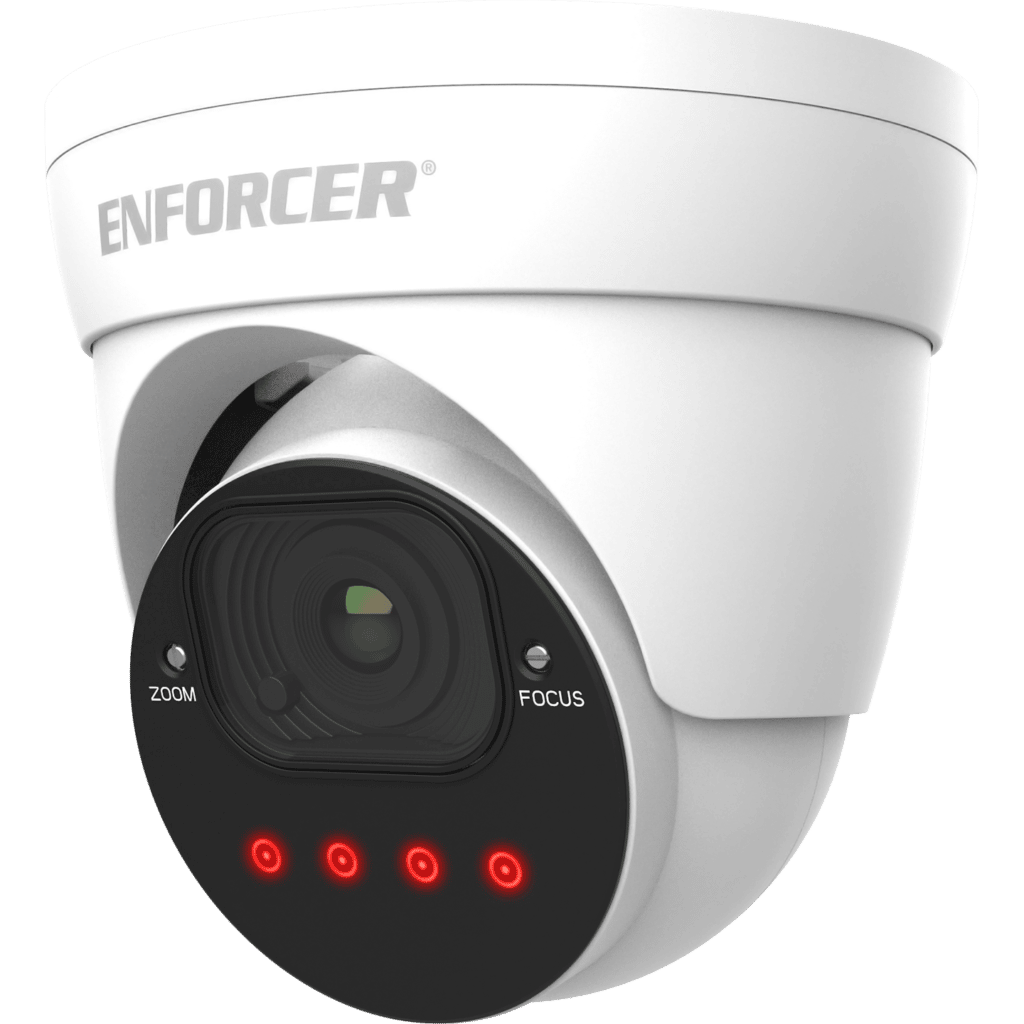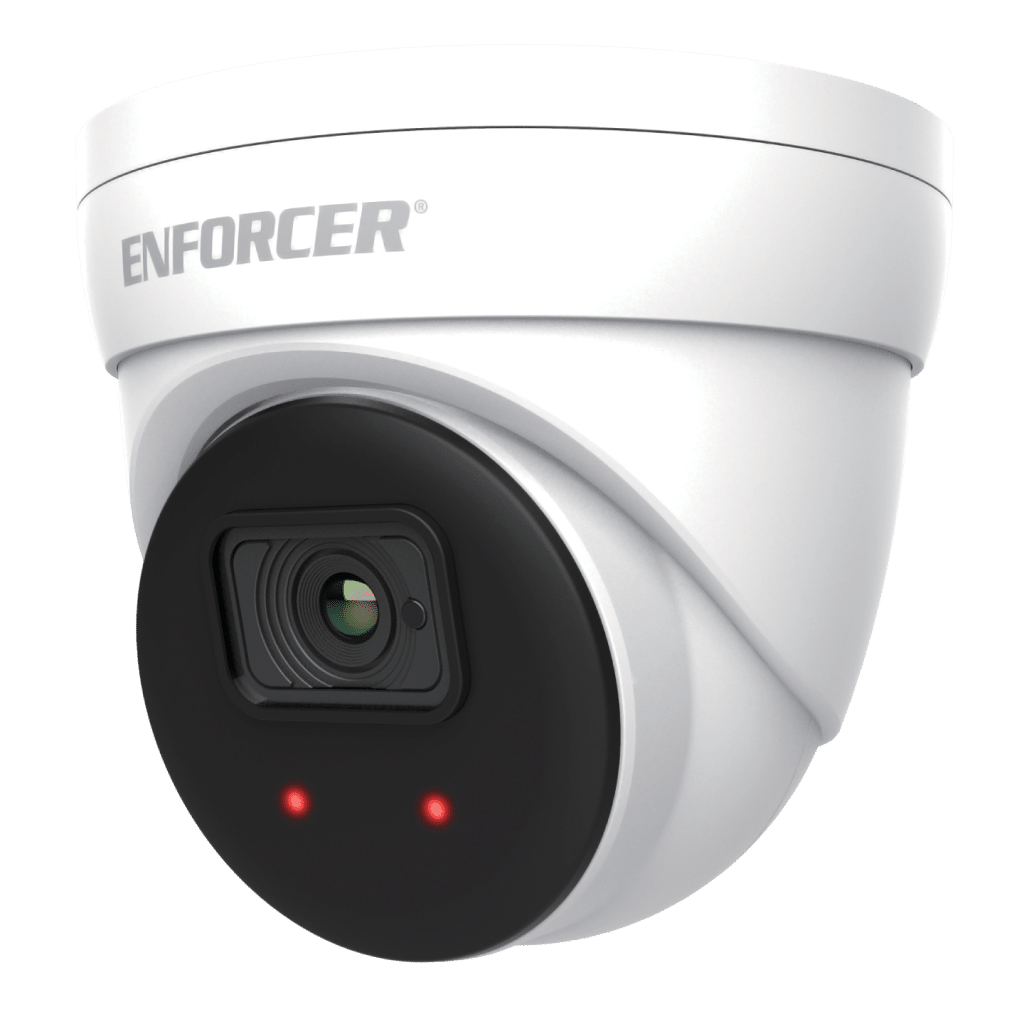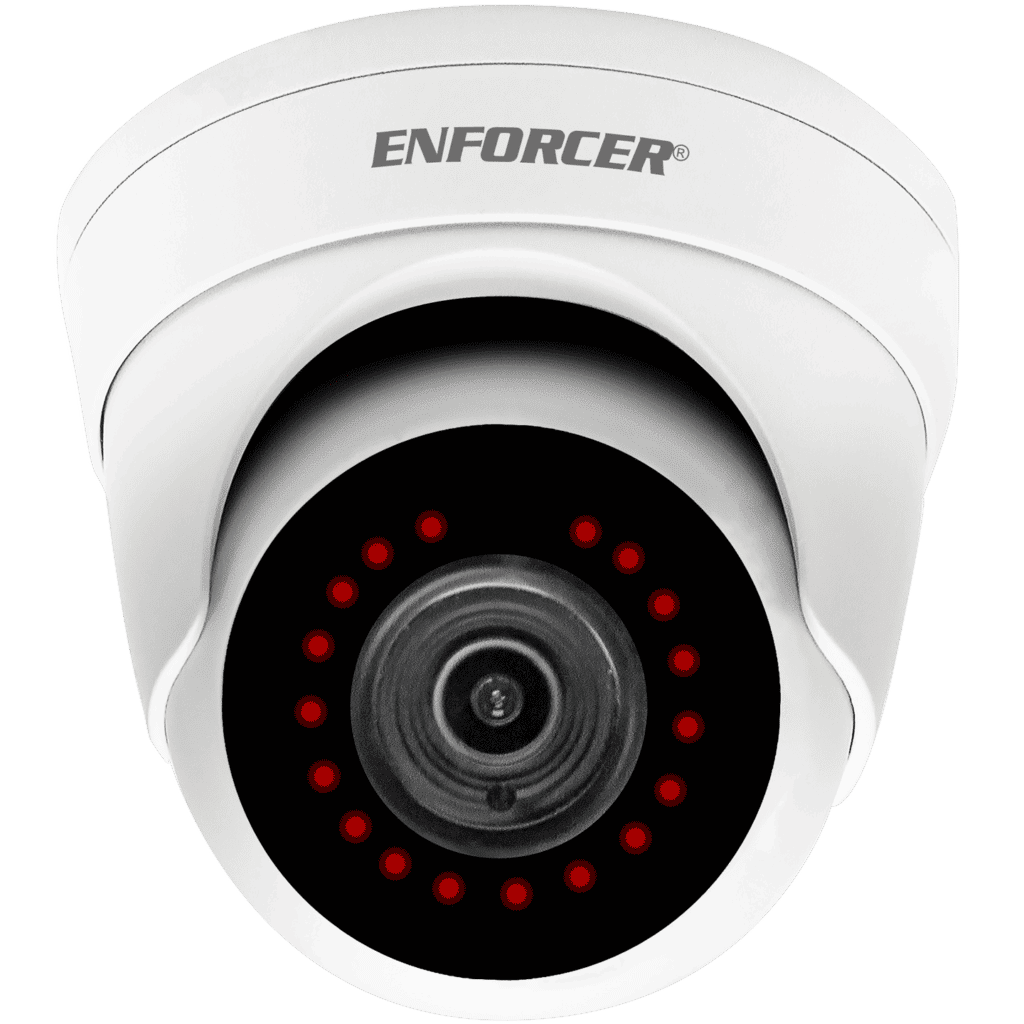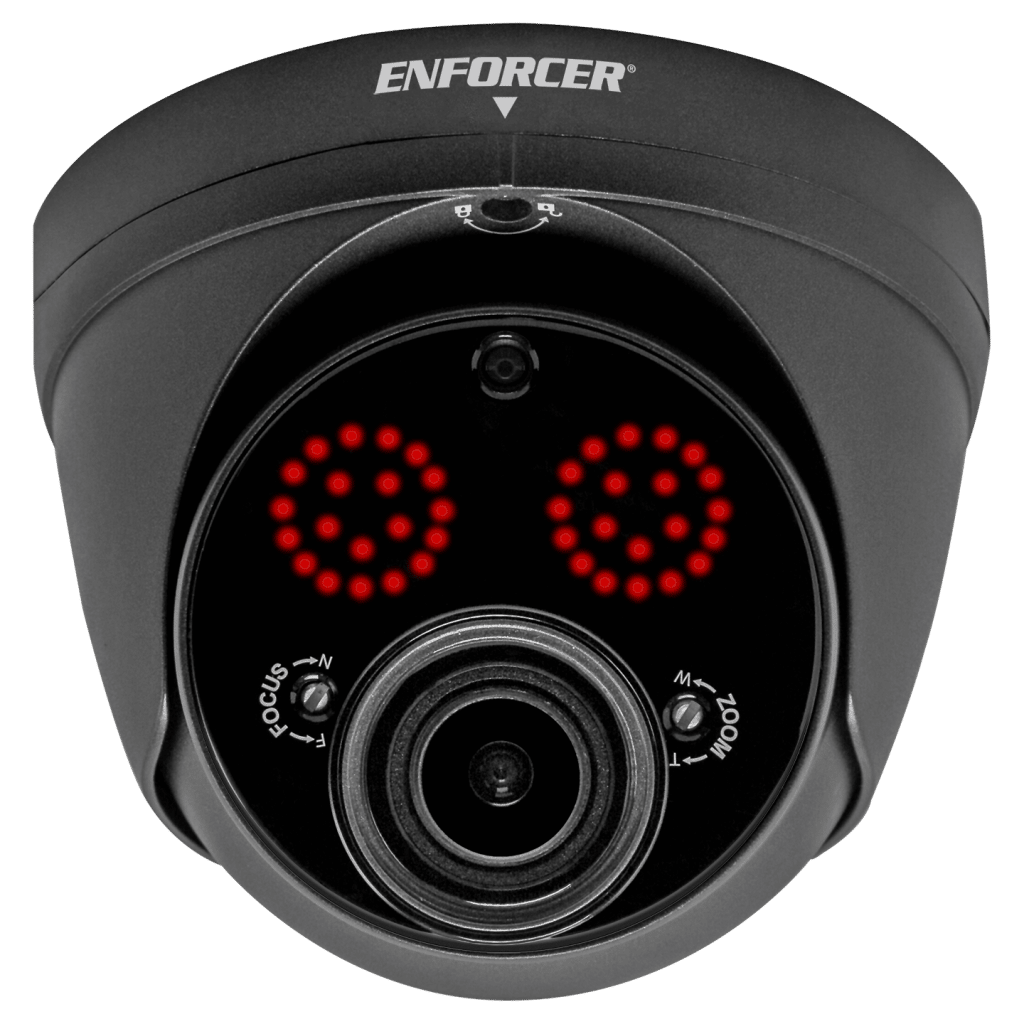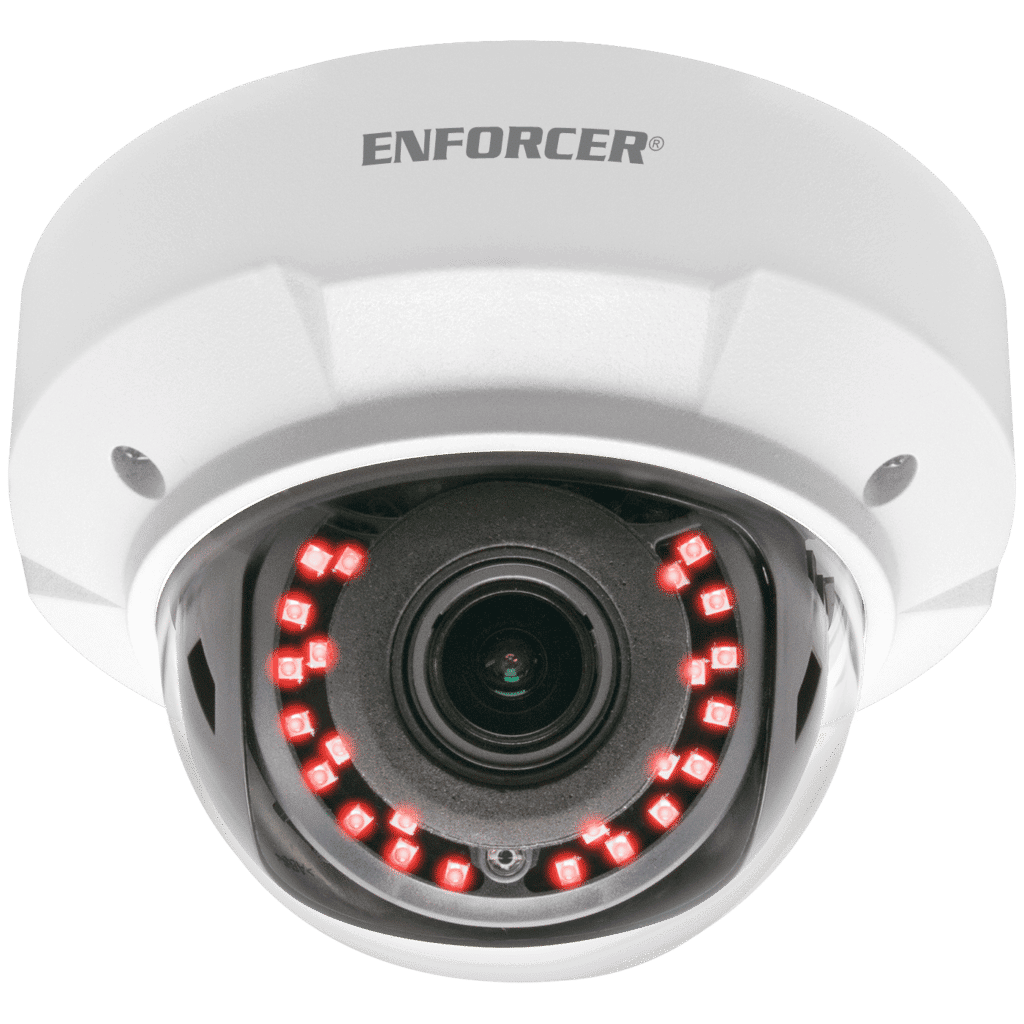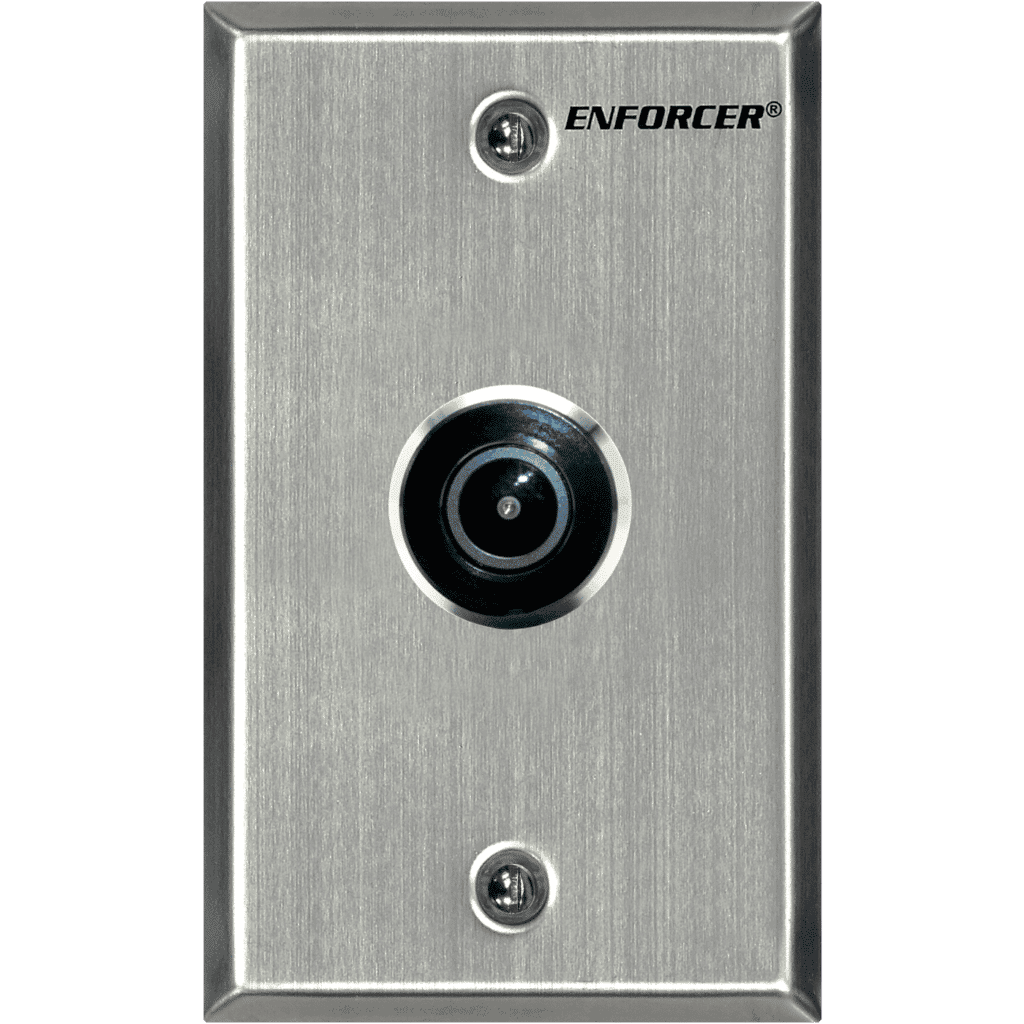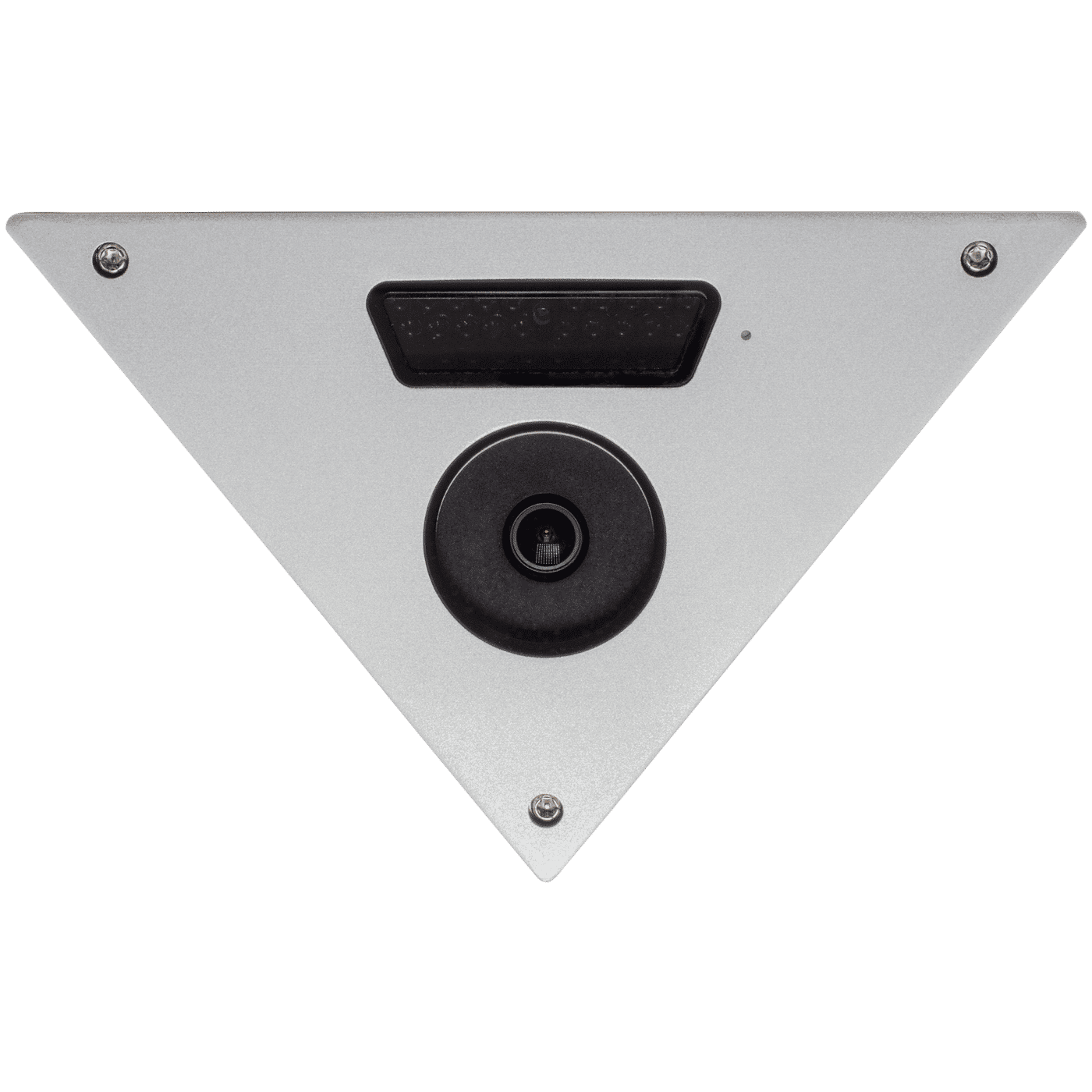


- Select between multiple formats: TVI, CVI, AHD, and Analog
- 1/2.8” 2MP Sony STARVIS™ CMOS
- Full HD (1920×1080) resolution
- True Day & Night function with ICR mechanism
- 3DNR (3D Noise Reduction)
- D-WDR (Digital Wide Dynamic Range)
- Built-in internal joystick OSD control
- Vandal-resistant metal front panel
- Weatherproof (IP65)
- 30 Covert IR LEDs for discreet monitoring
| Housing Color | Silver |
| Type | Corner-Mount Camera |
| Image sensor | 1/2.8″ 2MP Sony STARVIS CMOS |
| Formats | TVI / CVI / AHD / Analog (TVI Default) |
| Resolution | 1920×1080 |
| Viewing Angle | 130° |
| TV Lines | 1200TVL |
| 3D-NR | Yes |
| 2D-NR | Yes |
| DNR | Yes |
| DWDR | Yes |
| On Screen Display (OSD) | Yes |
| Onboard On-Screen Display (OSD) Control | Yes |
| Megapixels | 2MP |
| Minimum Illumination – IR On | 0Lux |
| Minimum Illumination- LEDs off | 0.01Lux, F1.6 |
| IR Range | Up to 82ft (25m) |
| Video Output | 1.0Vp-p complex video output |
| FPS | 30FPS |
| Lens | 3.0mm ICR |
| F Stop | F1.6 |
| No. of IR LEDs | 30 |
| S/N Ratio | 50dB |
| DSS (Digital Slow Shutter) | Yes |
| Shutter Control | Yes |
| Operating Voltage | 12VDC |
| Current Draw | ON: 400mA, OFF: 80mA |
| Gain Control | Yes |
| White Balance | Auto, Day & Night |
| IP Rating | Weatherproof IP65 |
| Operating Temperature | 14°~122° F (-10°~50° C) |
| Dimensions | 7-1/2″x5-1/2″x1-11/16″ (190x140x43 mm) |
| Weight | 13.75-oz (390g) |
FAQs
Check that the correct power supply is in use.
Change the position of the camera.
Change the position of the camera.
Adjust the monitor’s contrast knob. Change the position of the camera.
Clean the lens using a soft, clean cloth. Check that the light source is adequate.
- Check that the camera is powered up.
- Check that the power supply’s polarity is correct. Check that the monitor is powered up.
- Check that the video cable connecting the camera to the monitor is connected properly.