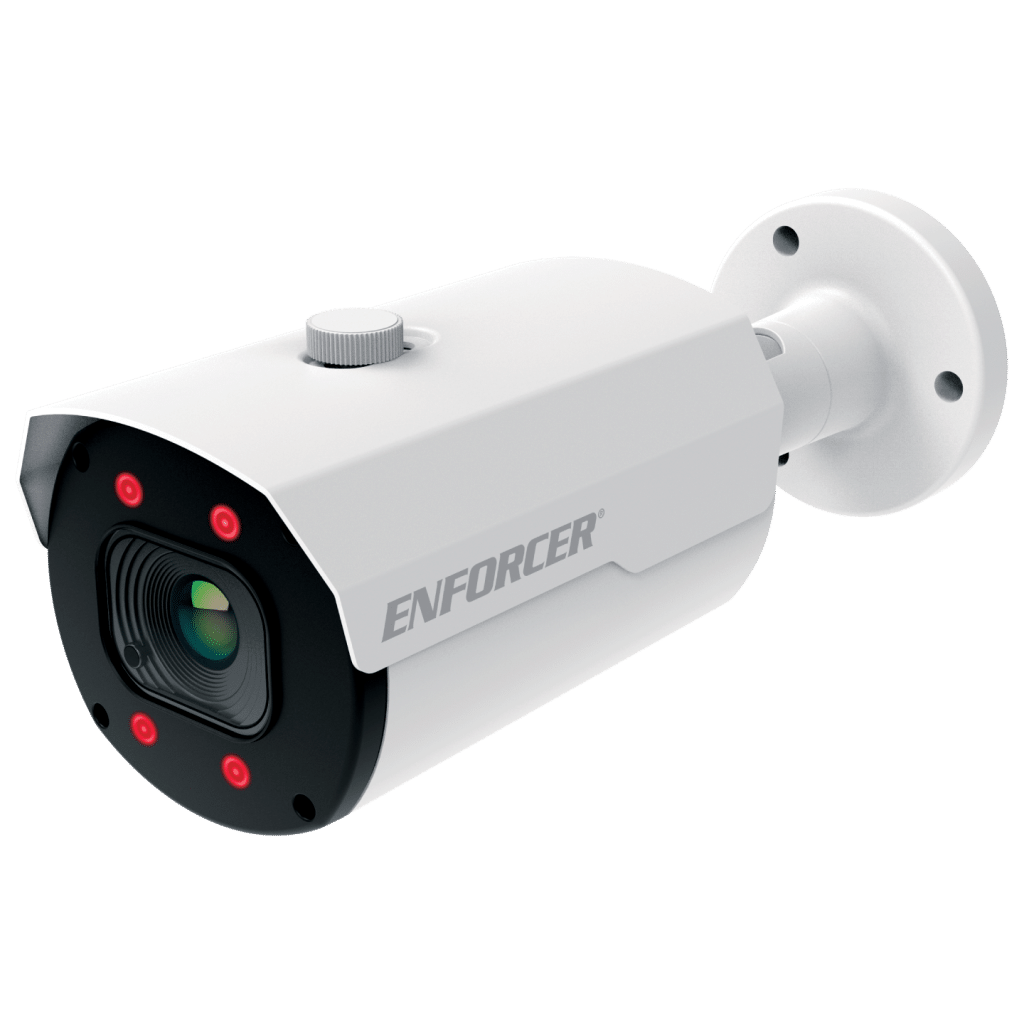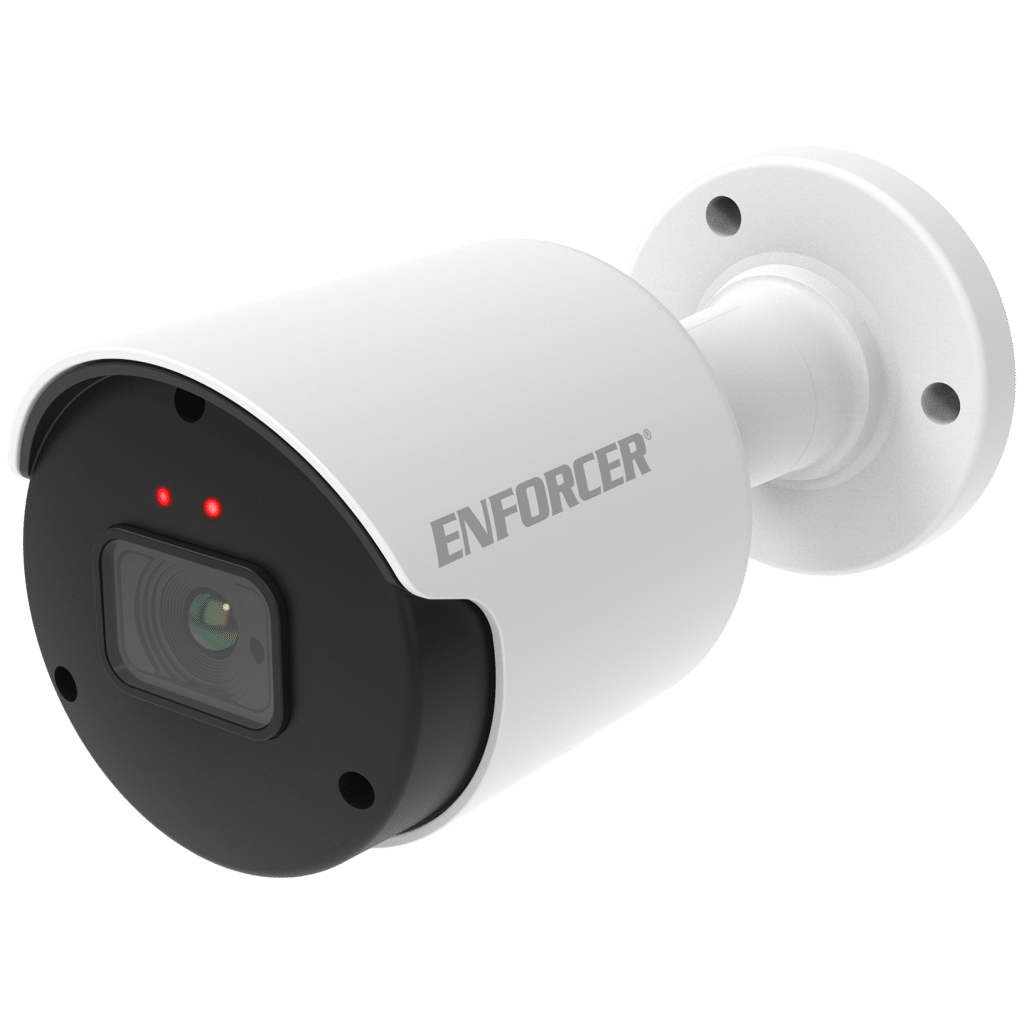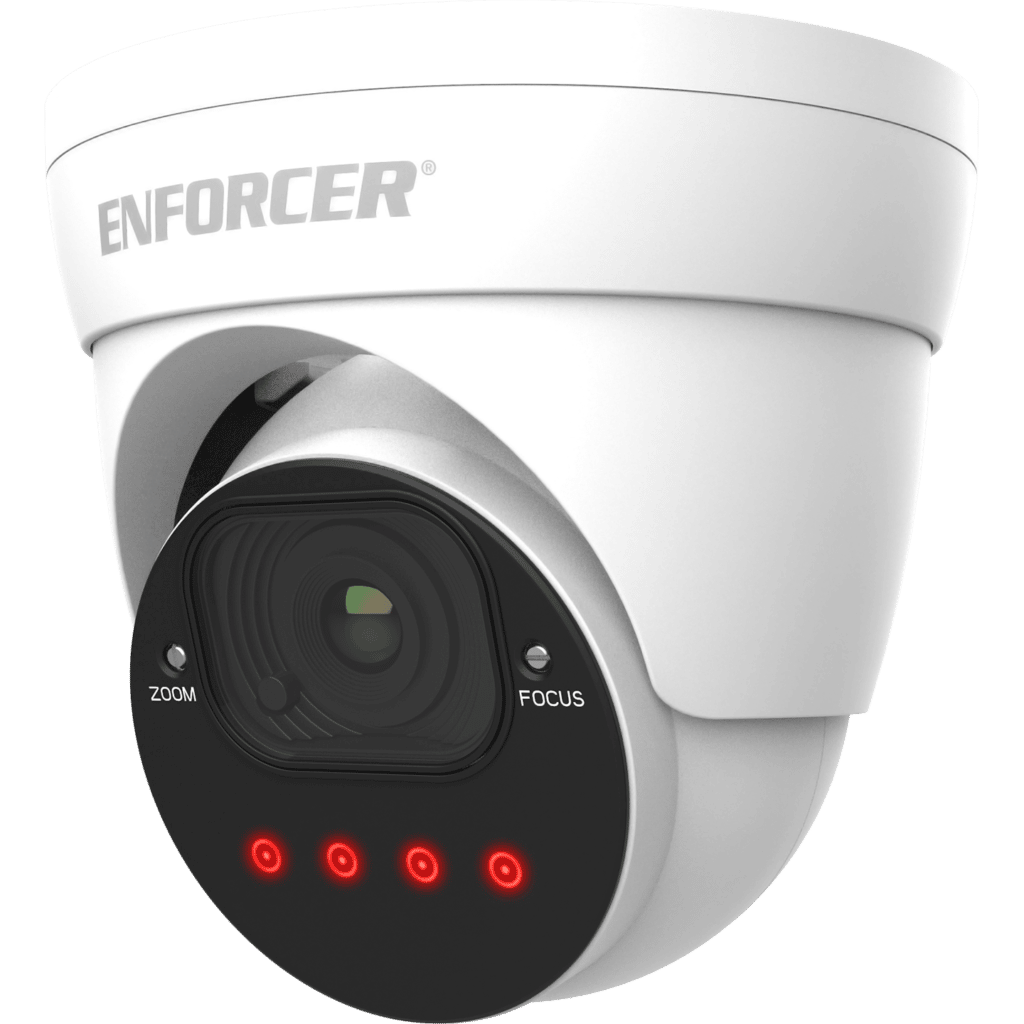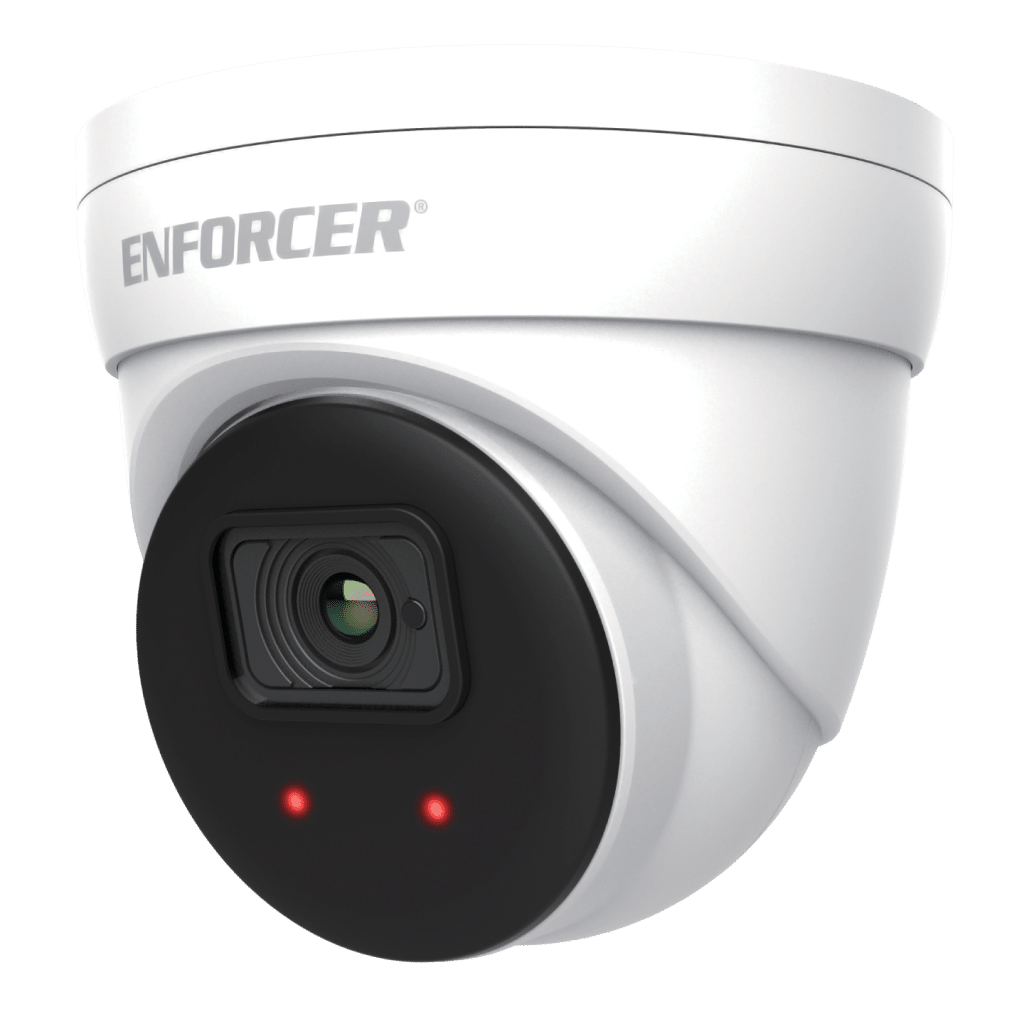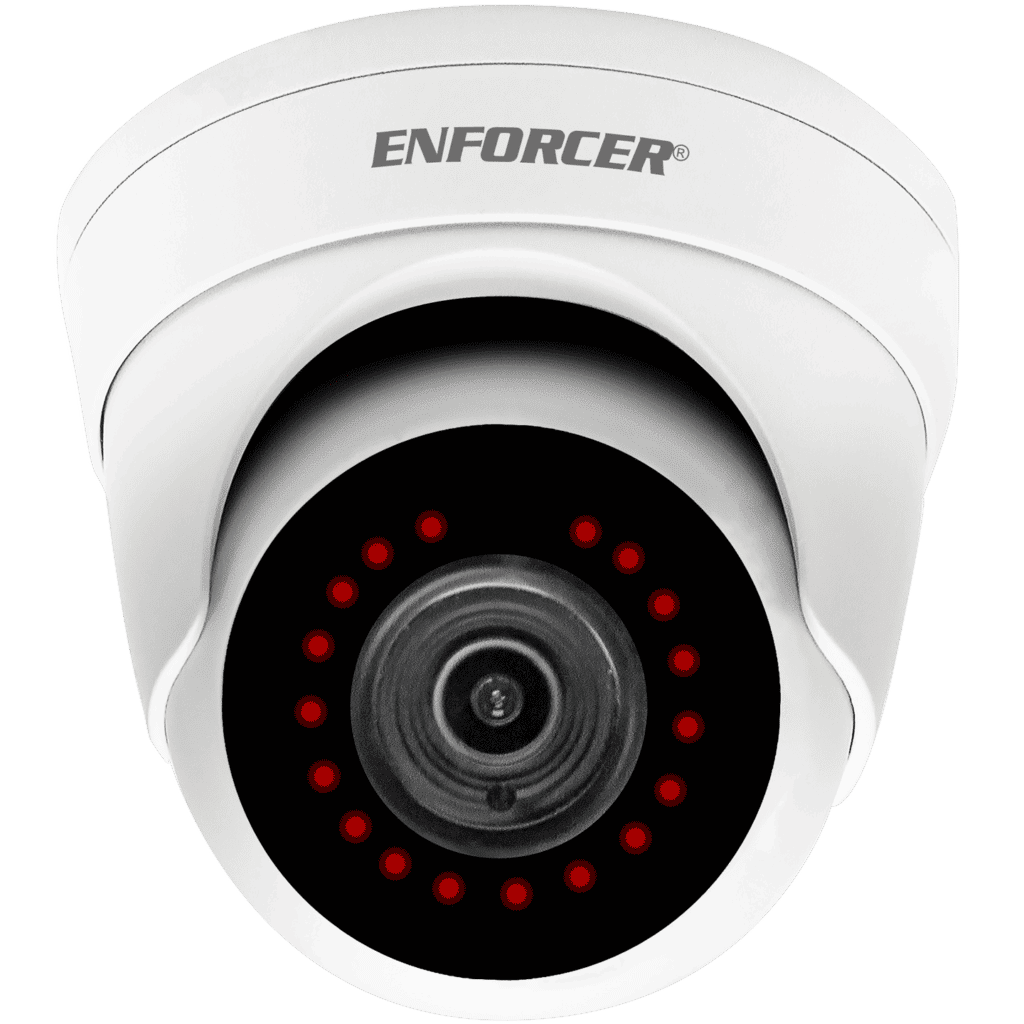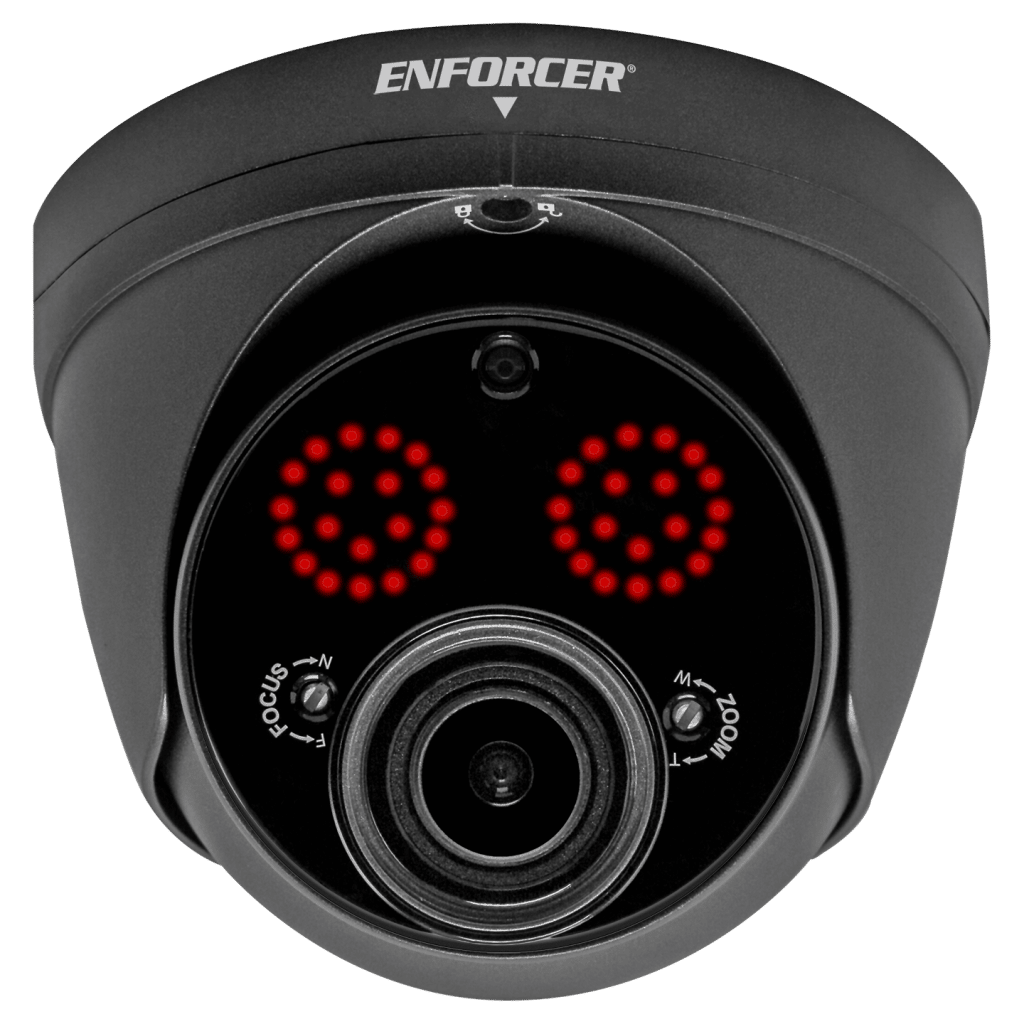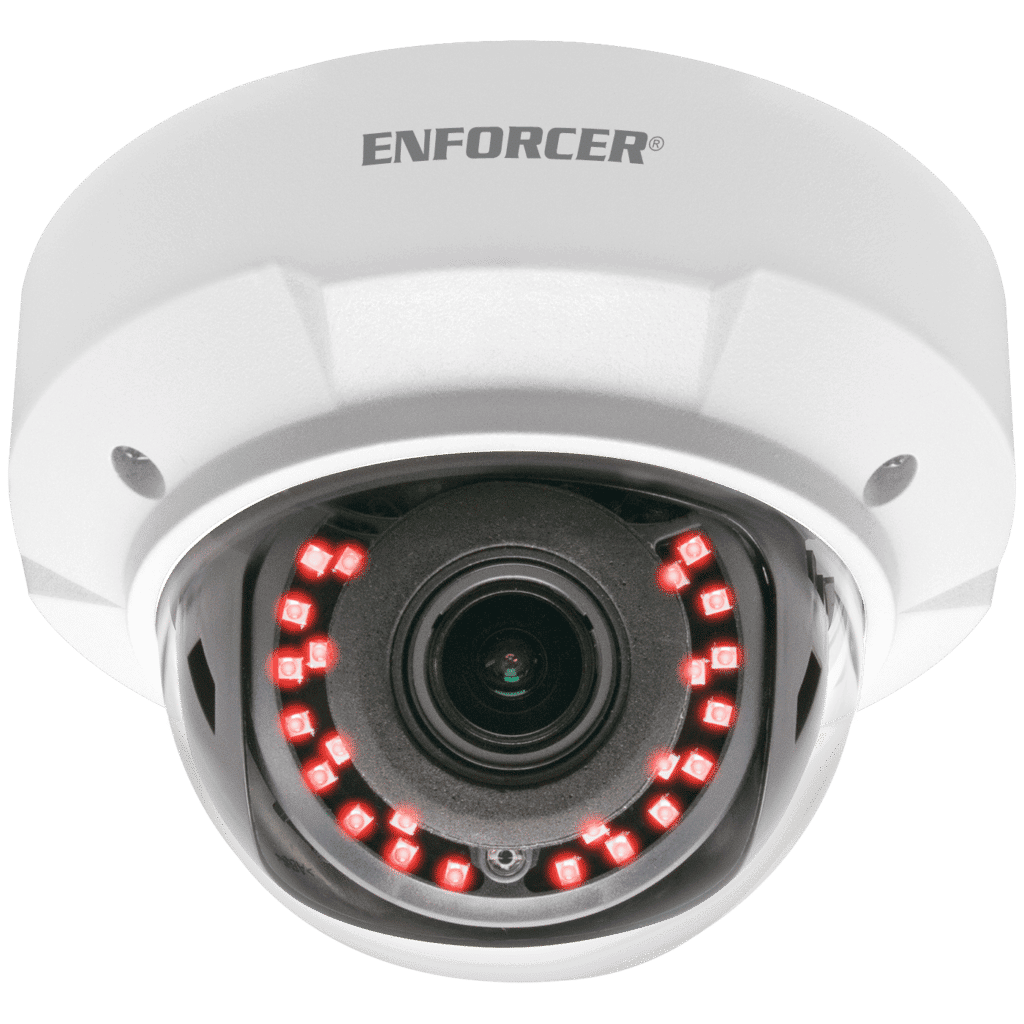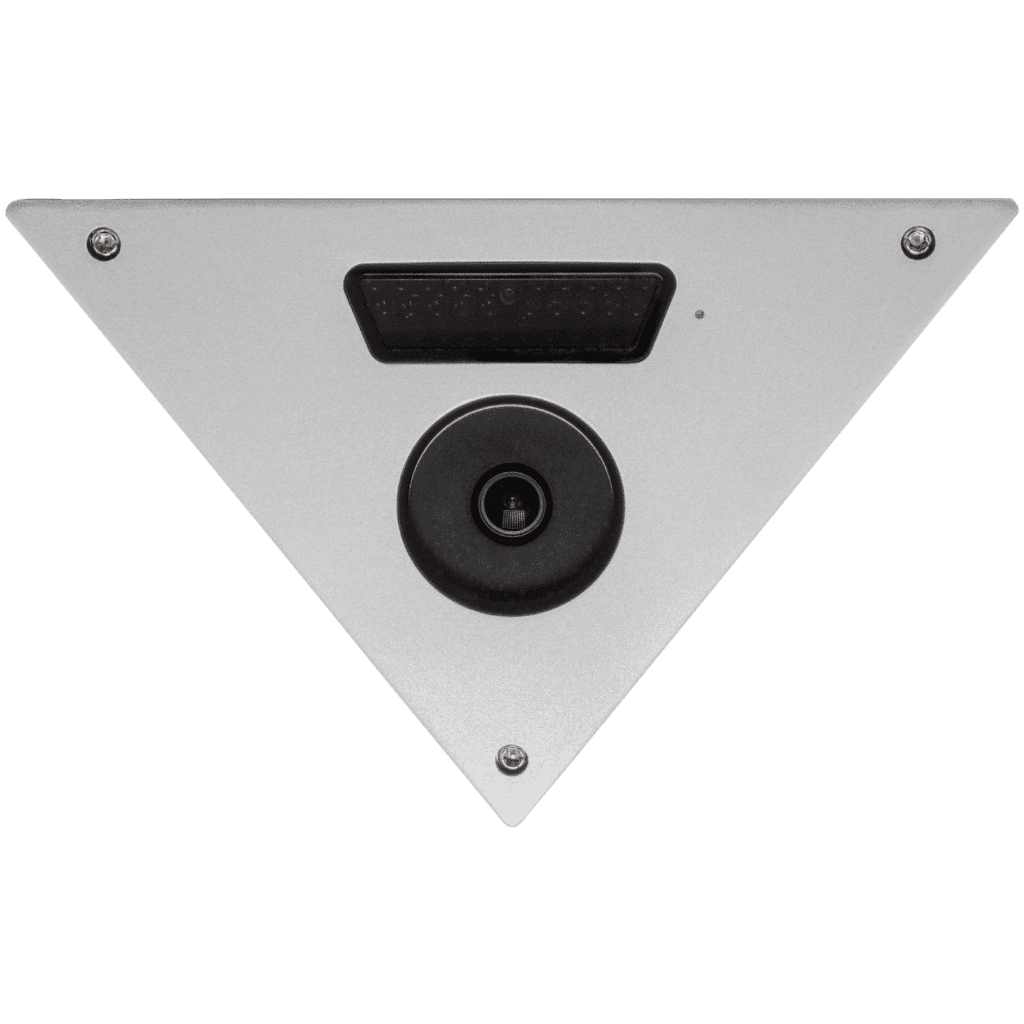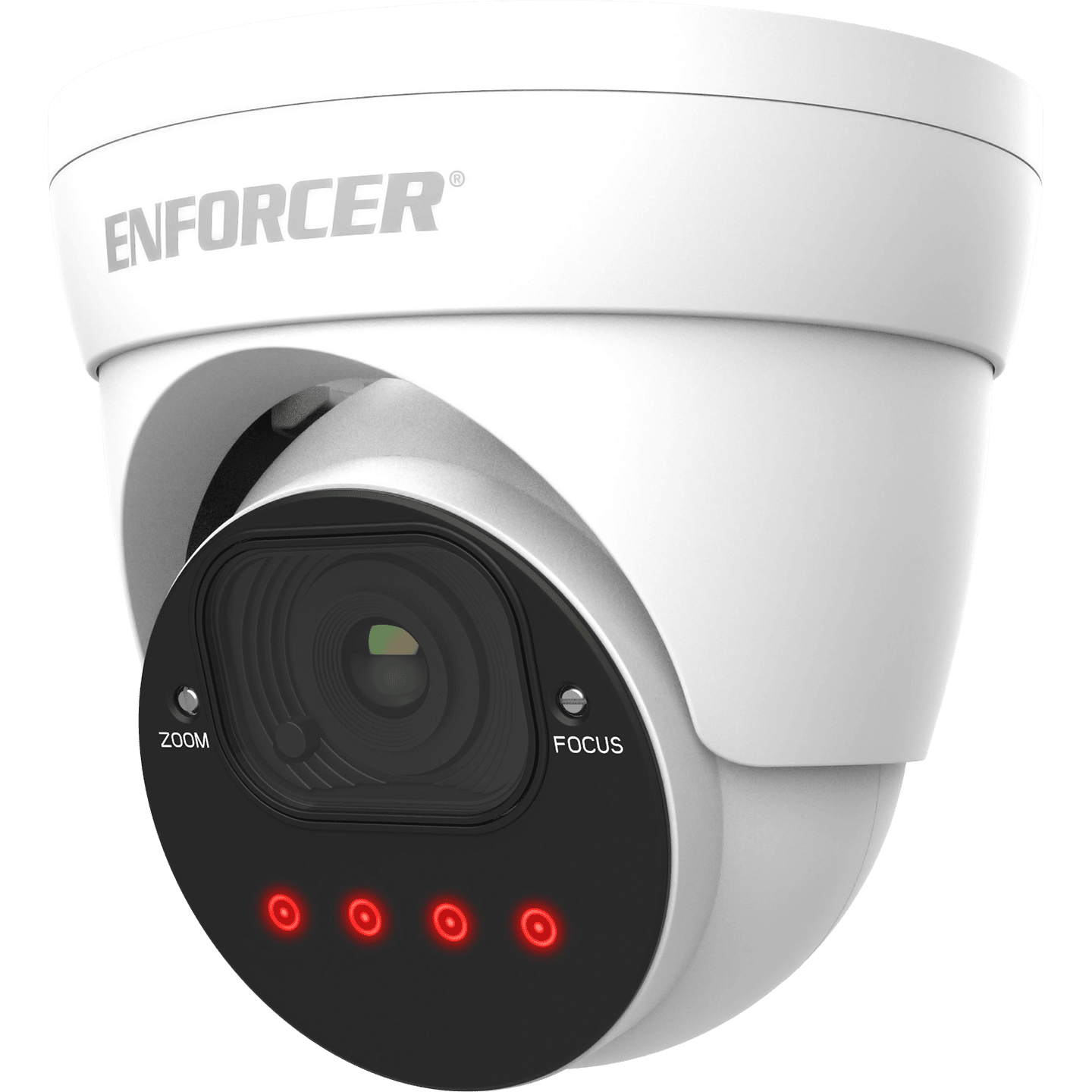



- 2MP Resolution
- ICR Module
- 2DNR & 3DNR (Digital Noise Reduction)
- Heavy-duty vandal-resistant design
- Rugged, weatherproof (IP66) construction
- Split-glass design eliminates IR reflection
- Cables concealed in bracket to prevent tampering
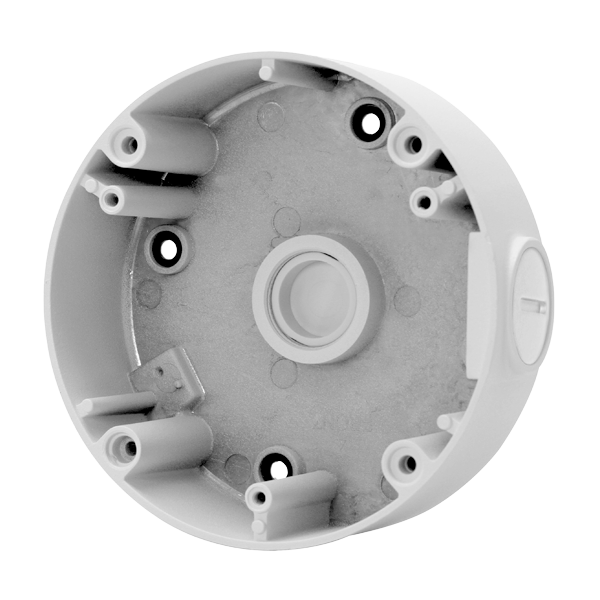
- Junction box is not included with the product
| Housing color | White |
| Type | Varifocal Turret Camera |
| CMOS | 1/2.8″ 2MP CMOS |
| Resolution | 1920 x 1080 |
| 3DNR | Yes |
| 2DNR | Yes |
| Viewing Angle | 39°~125° |
| # of IR LEDS | 4 (850nm) |
| FPS | PAL:25FPS NTSC:20FPS |
| F-Stop | F1.6 |
| Minimum Illumination – IR On | 0Lux |
| Minimum Illumination – IR Off | 0.02Lux |
| Operating Voltage | 12VDC |
| Operating Temperature | -22°~131° F (-30°~55° C) |
| Dimensions | ø4 15/16″x 4 5/16″ (ø125x110mm) |
| Weight | 1-lb, 9.4-oz (720g) |
FAQs
Check that the correct power supply is in use.
Change the position of the camera.
Change the position of the camera.
Adjust the monitor’s contrast knob. Change the position of the camera.
Clean the lens using a soft, clean cloth. Check that the light source is adequate.
- Check that the camera is powered up.
- Check that the power supply’s polarity is correct. Check that the monitor is powered up.
- Check that the video cable connecting the camera to the monitor is connected properly.