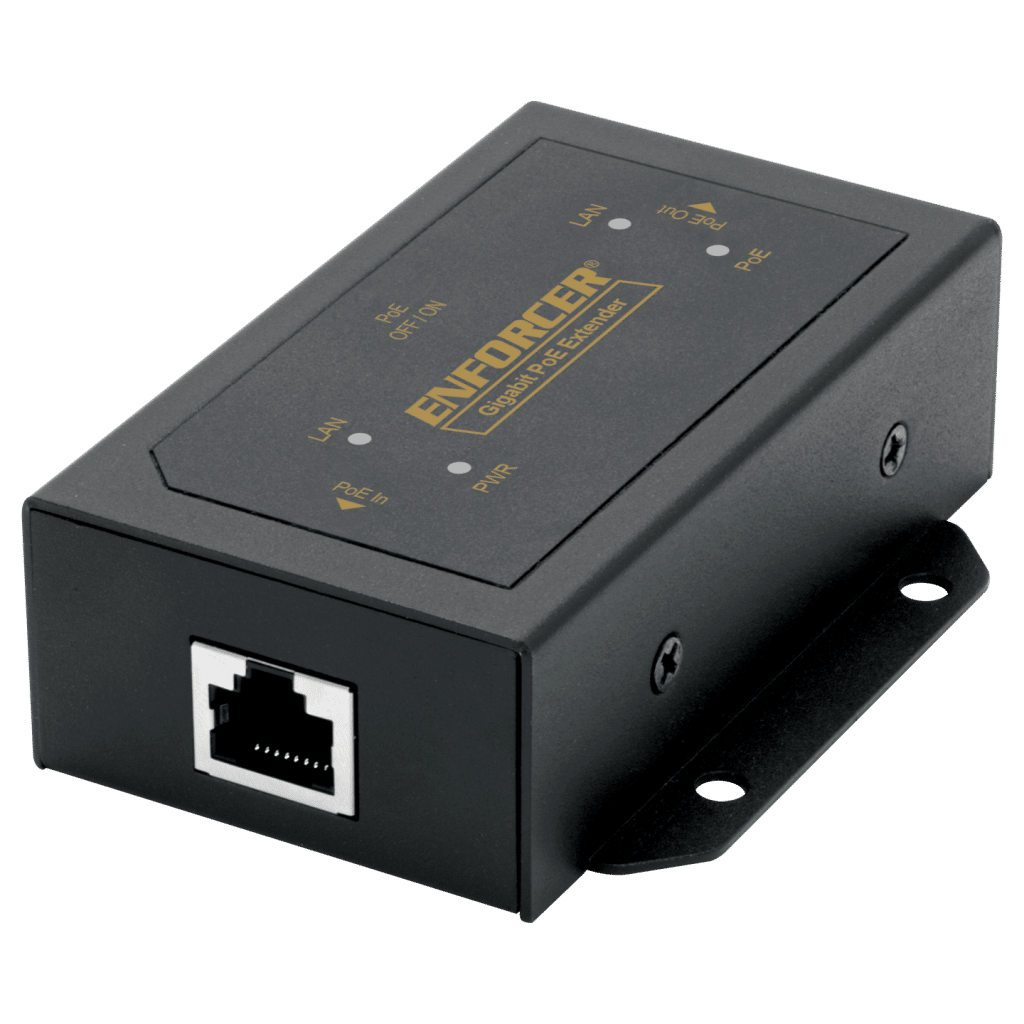




- Supports up to 30W on 2-pairs
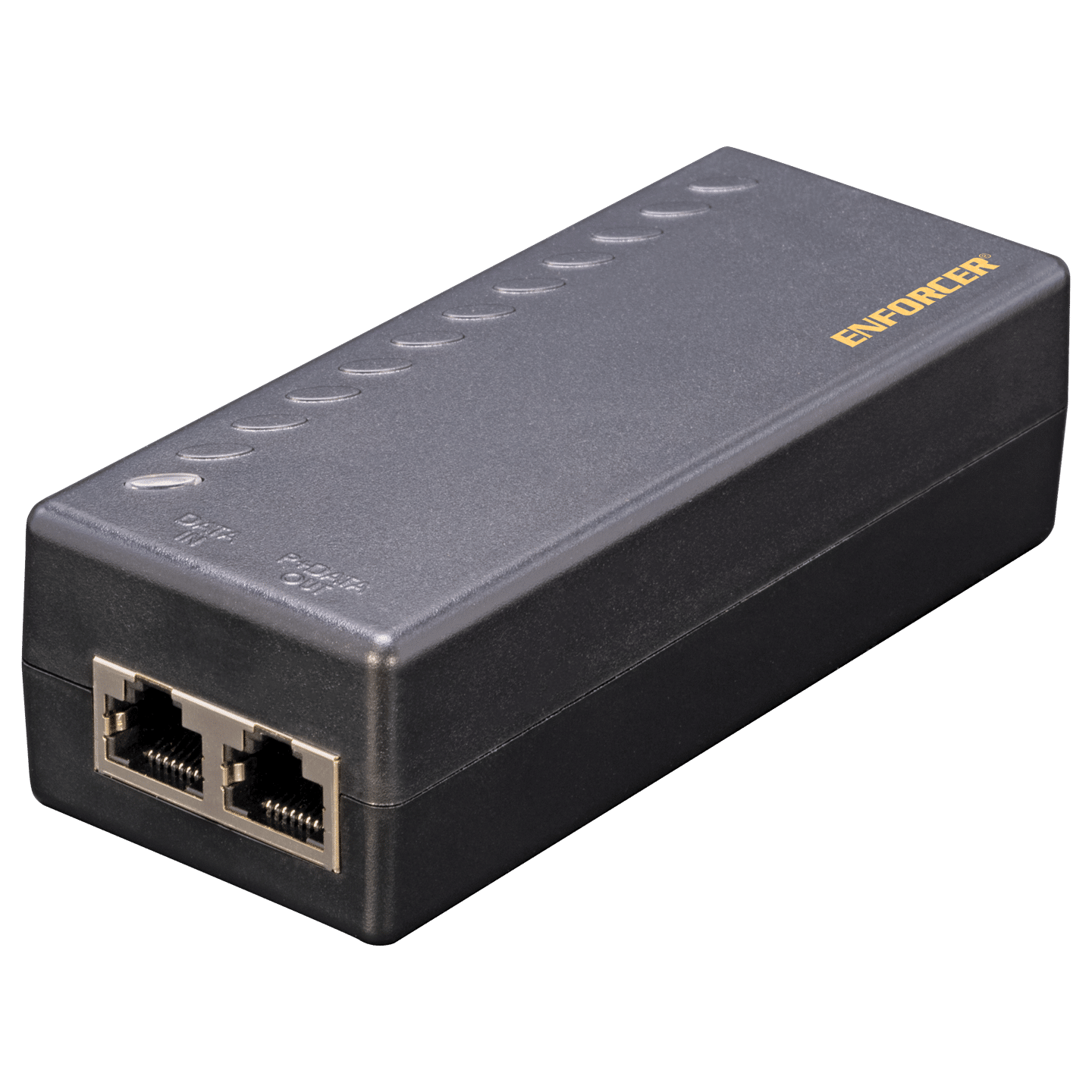
- LED indicates power supply input and PoE output
- Internal AC/DC converter
- Easy Plug-and-Play installation
- Connects 10/100/1000BASE-T PoE devices
- Overcurrent, overload, overvoltage, and anti-interference protection
- Supports Cat5e network cables and higher
- Compliant with IEEE 802.3af/at standard
| Operating Voltage | 100~240 VAC |
| Connections | Data In: 1x Shielded RJ45 PoE Out: 1x Shielded RJ45 |
| PoE Power output | Up to 52VDC, 30W |
| Power link | Pin 1/2 (–), 3/6 (+) up to 30W |
| Network cables | Cat5e or higher |
| Protection | Overcurrent, overload, overvoltage, anti-interference |
| Ethernet speed | 10/100/1000 Mbps |
| LED Indicators | Green – power in, red – power out |
| Operating humidity | 90% (Maximum, non-condensing) |
| Operating temperature | 14°~104° F (-10°~°40 C) |
| Dimensions | 4-3/4″x2″x1-7/16″ (121x50x36 mm) |
FAQs
- Ensure that all devices are turned on
- Ensure that the PoE device is functioning by plugging it directly into the PoE switch, computer, etc.
- Double-check that the cables were connected properly
- Run a continuity test on all wires in the cable
- Equipment at both ends must be at the same link speed, 10BASE-T with 10BASE-T, 100BASE-T with 100BASE-T, etc.
- Replace with a higher-grade cable for better performance
- Ensure that the cable lengths are within the allowable range and consistent with the remote PoE device power consumption, and reduce cable length as needed
- Check that power consumption is within the specifications